Plugg
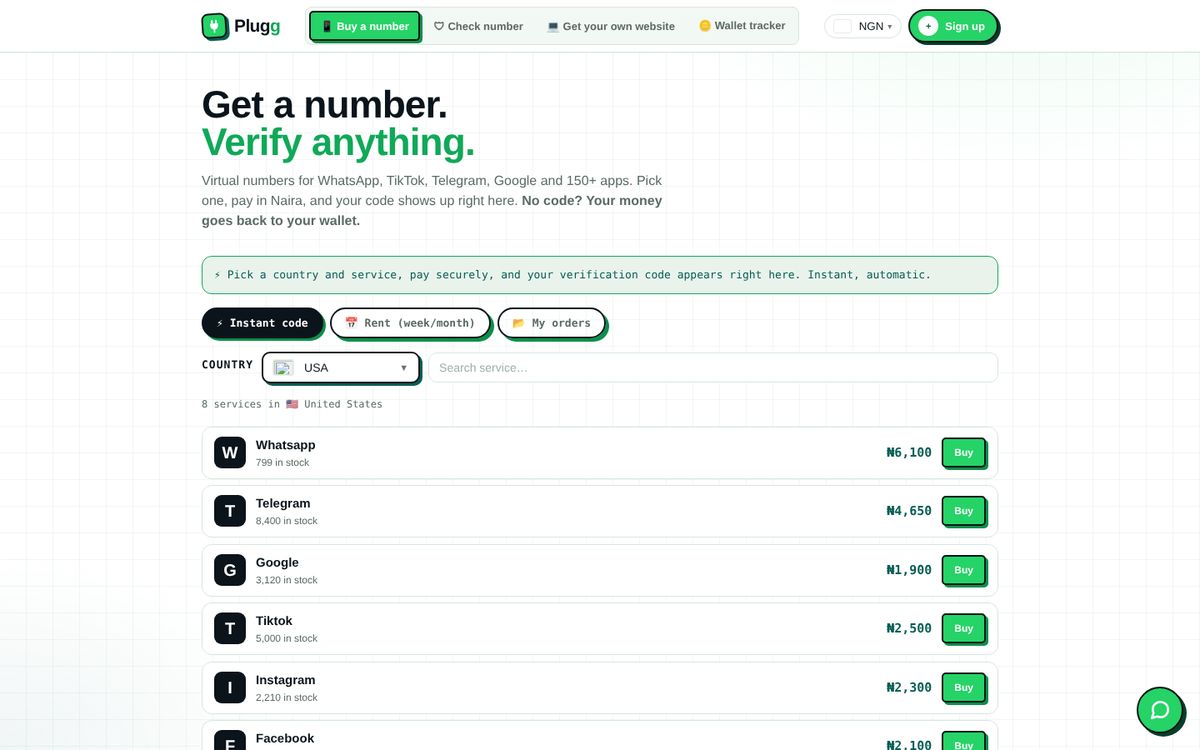
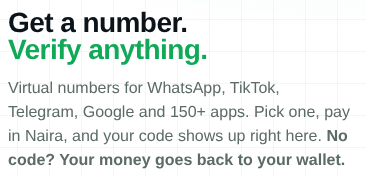
Buy a verification number for WhatsApp, Telegram and 150+ apps, pay in Naira, and watch the code arrive on the same screen.
Logo intro
Launch screen · about 3 sPlugg opens dark, then floods green, the colour people already trust from WhatsApp. The plug drops into its socket with a spark, the name lands letter by letter, and the slogan types itself.
- 0.1sGreen floods out from the centre
- 0.55sApp tile pops in with a little overshoot
- 0.9sPlug slides up into the socket
- 1.35sSpark: the connection is made
- 1.4sP, l, u, g, g rise one by one
- 1.9sSlogan types out in mono
The brief
Why it existsThe problem
People buying numbers on chat lose money to dead numbers, slow codes and sellers who never refund.
Who it's for
Nigerians who need a quick code for an app, many on a phone, paying by card, transfer or USSD.
My goal
Price first, no surprises. One clear path from "I need a code" to "code copied", and money back when it fails.
How I worked
6 stages- 01Understand
Listed where buyers get burned today: dead numbers, no refunds, fake sellers.
FigJam - 02User flow
One happy path to a copied code, plus the refund and retry branches.
FigJam - 03Wireframes
Phone first at 390 wide: price list, buy sheet, wallet, code screen.
Figma - 04UI design
WhatsApp familiar greens, big tap targets, plain language labels.
Figma - 05Prototype
Clickable buy flow to check every step before writing code.
Figma - 06Build and ship
Coded it, connected payments and number providers, shipped.
HTML/CSS/JS
Onboarding
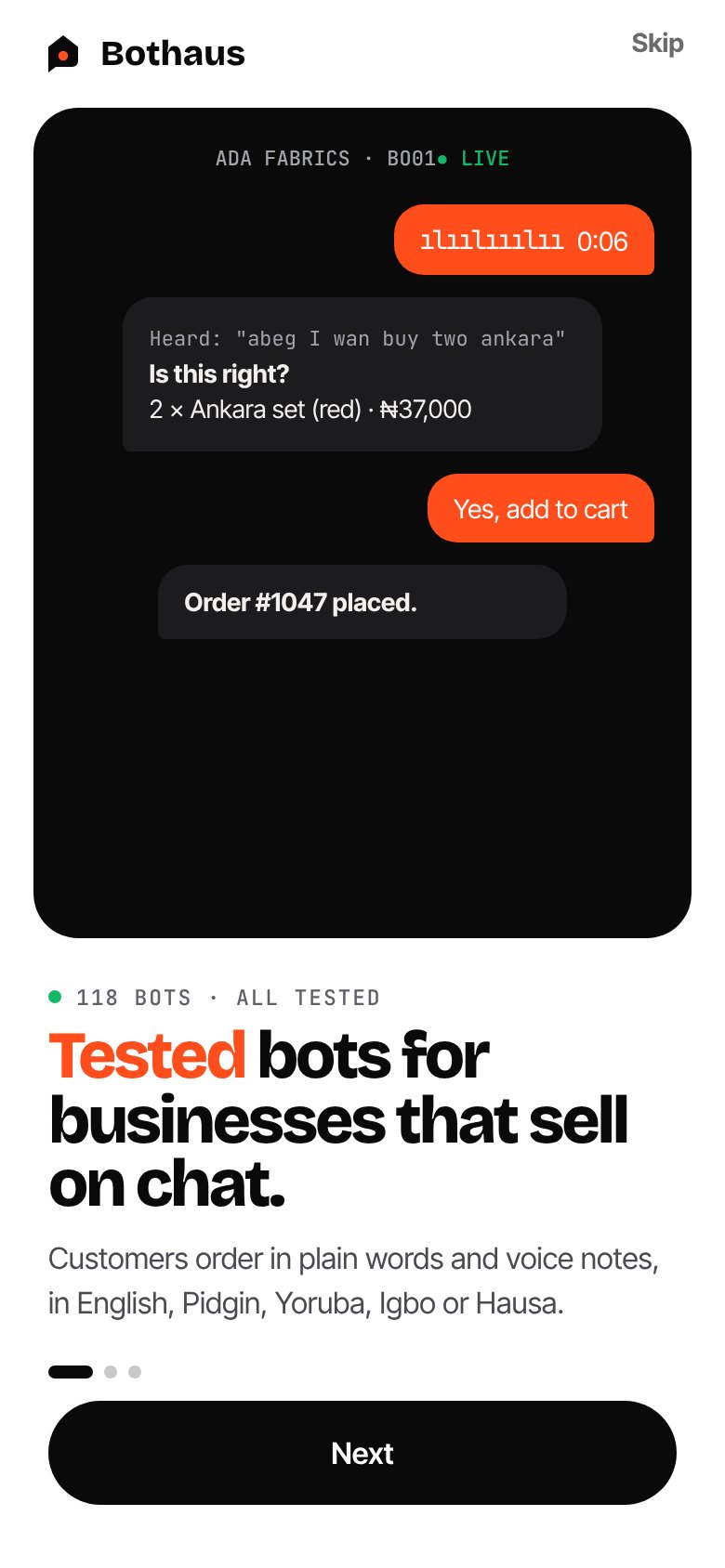
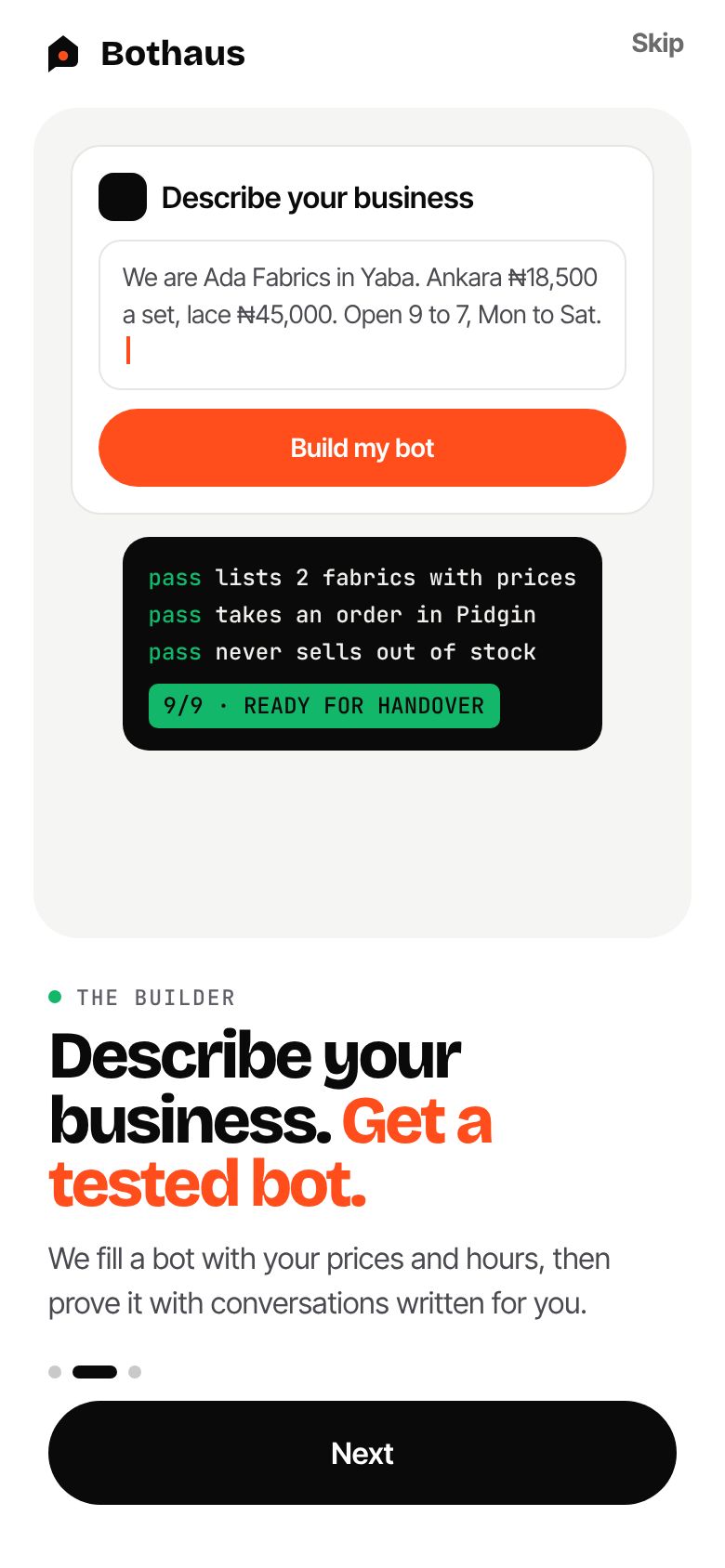
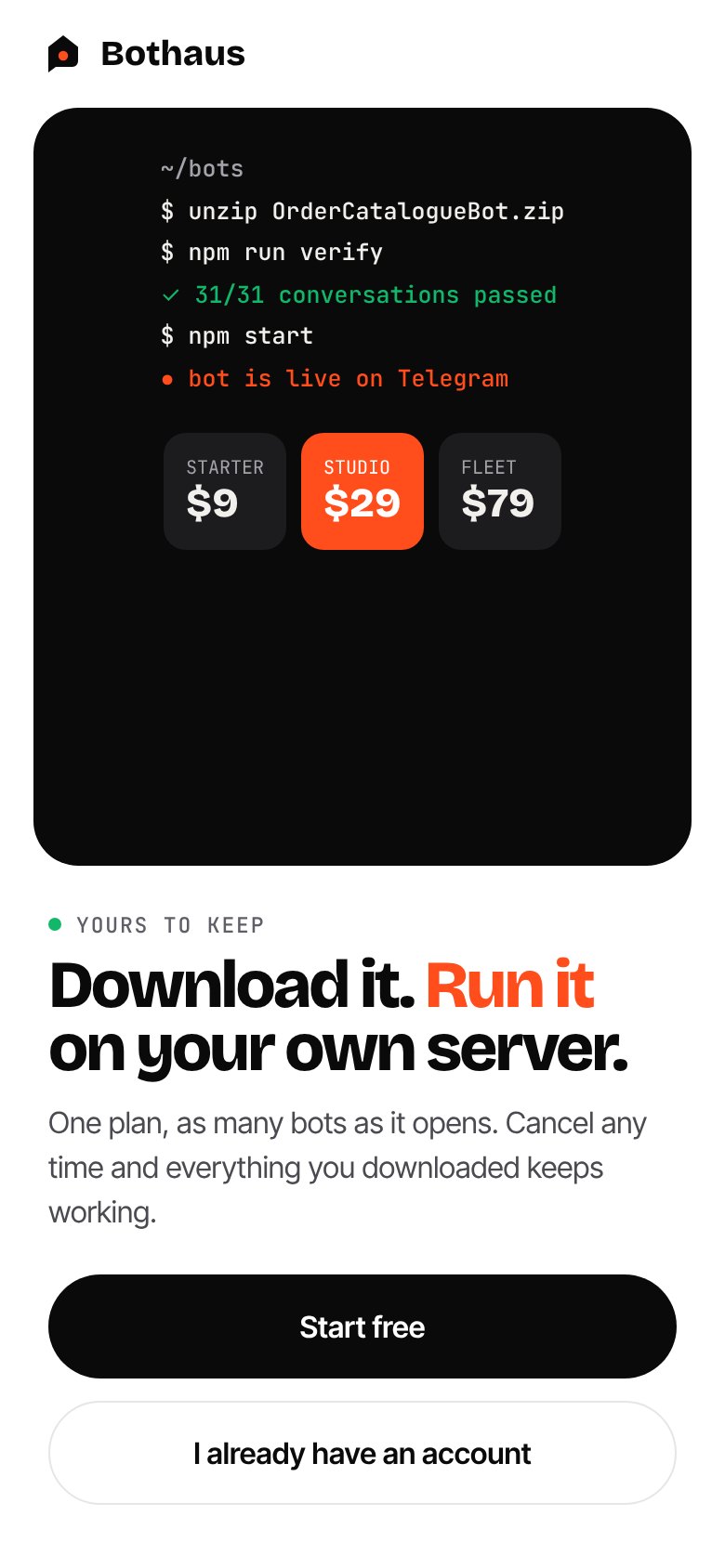
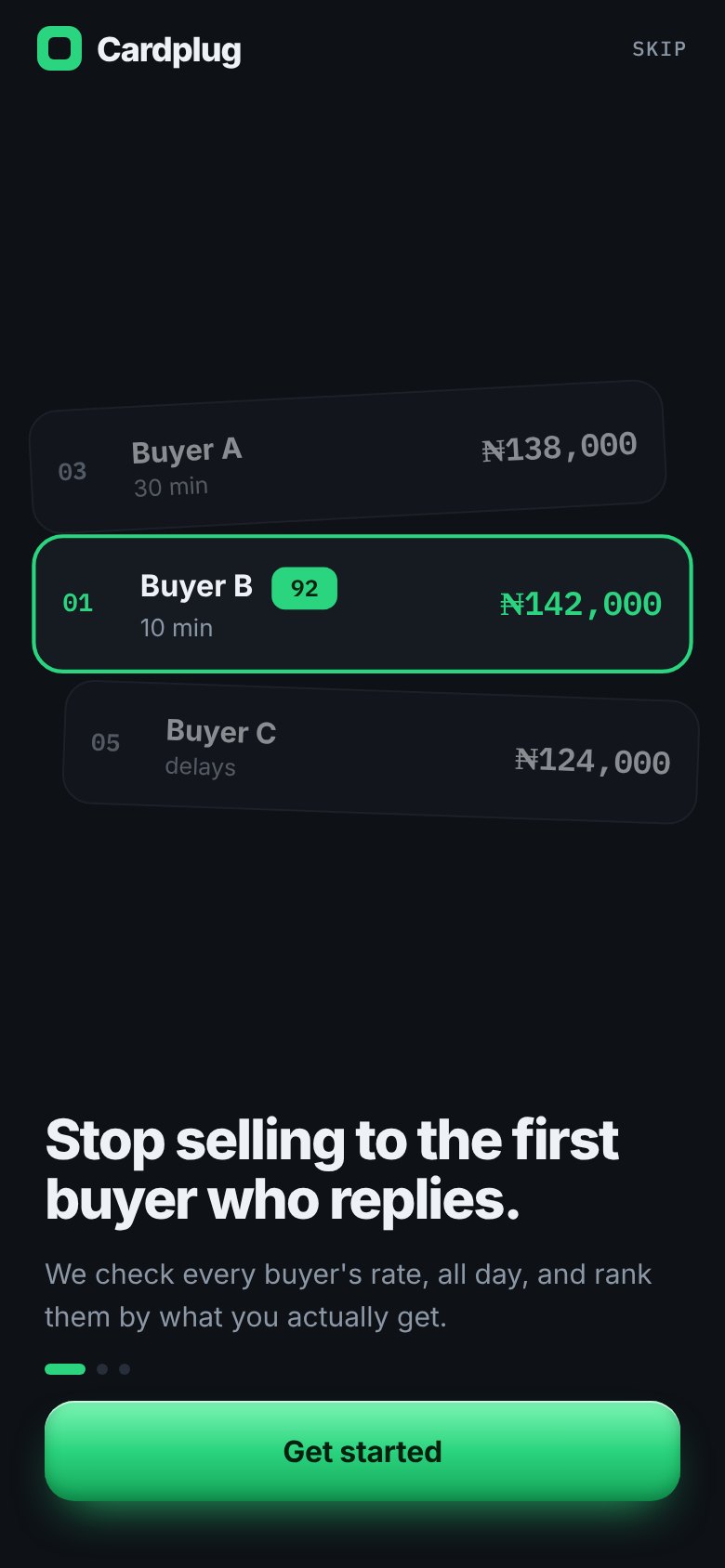
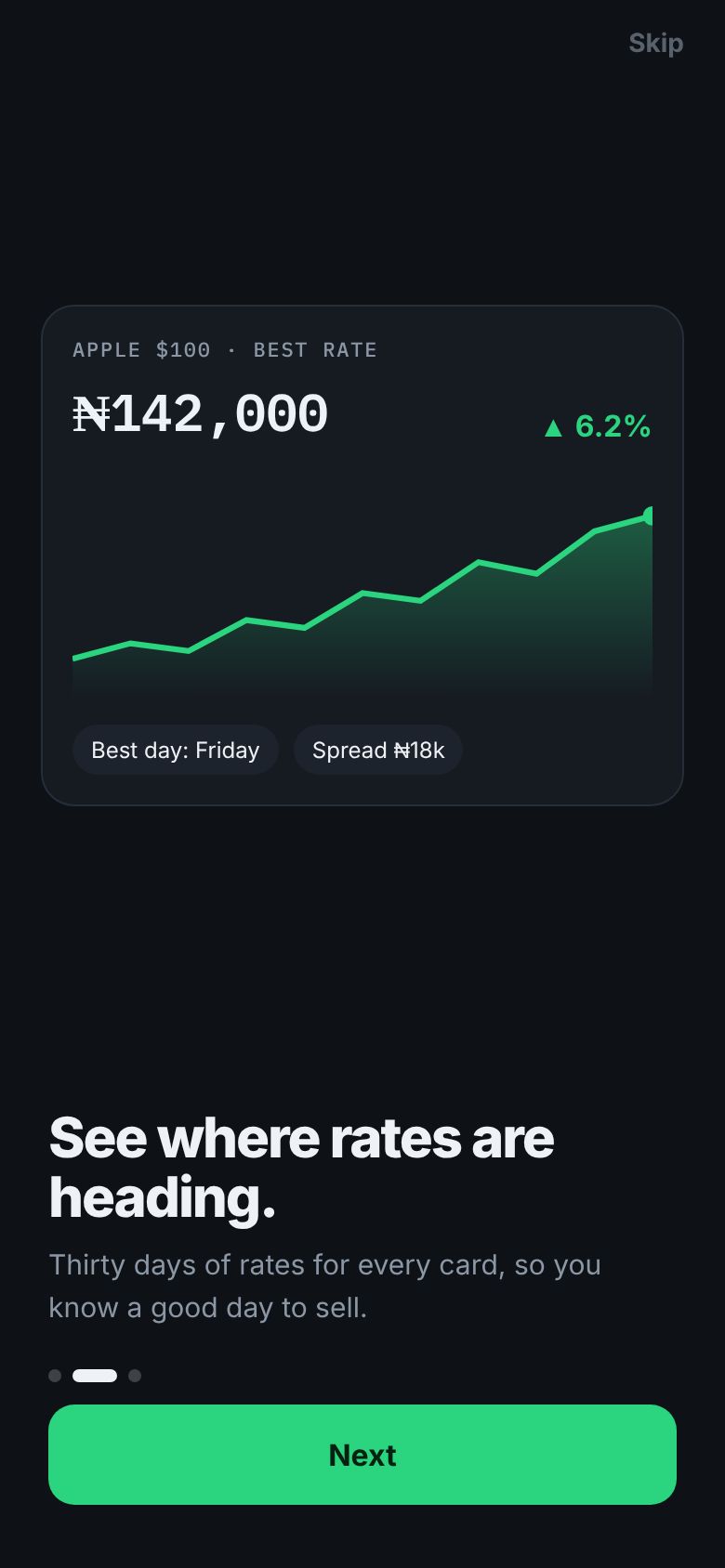
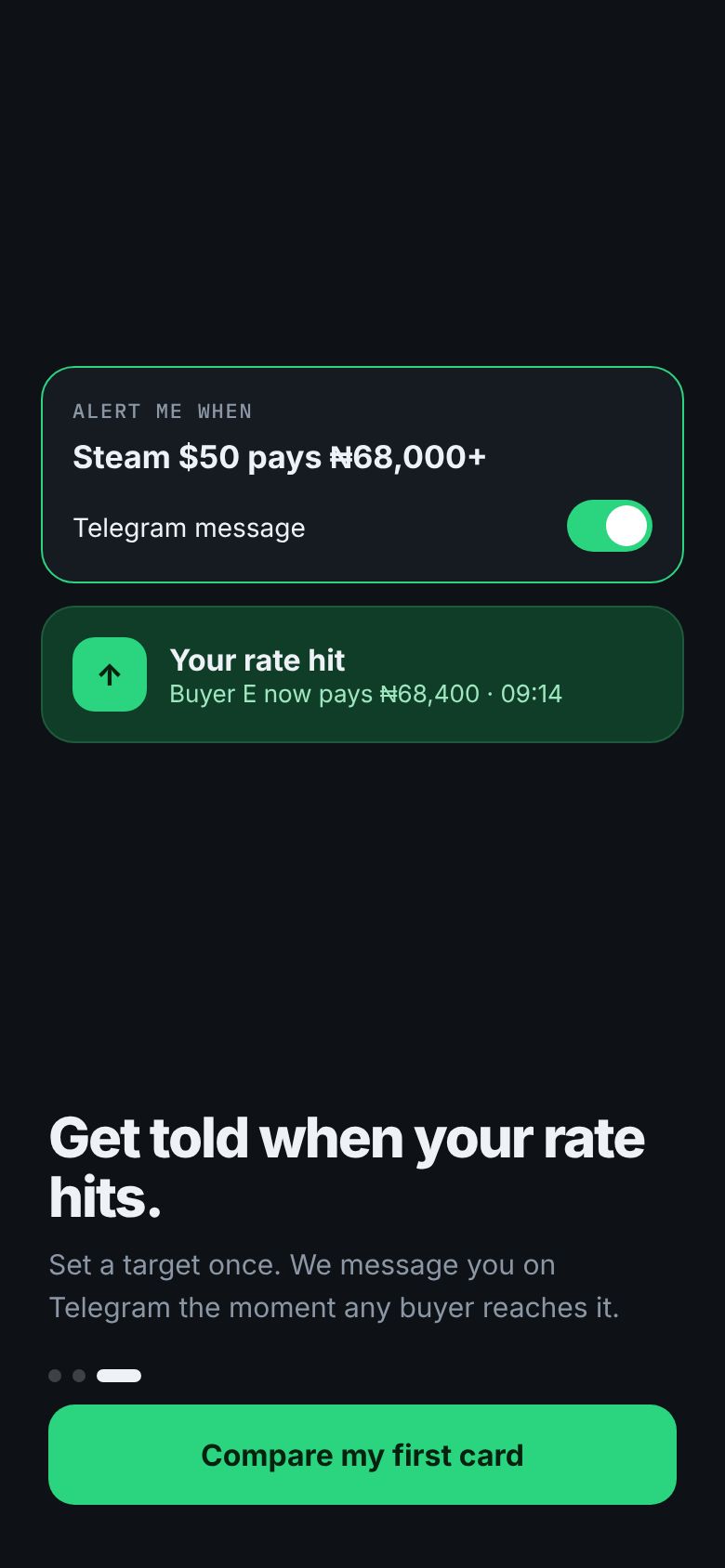
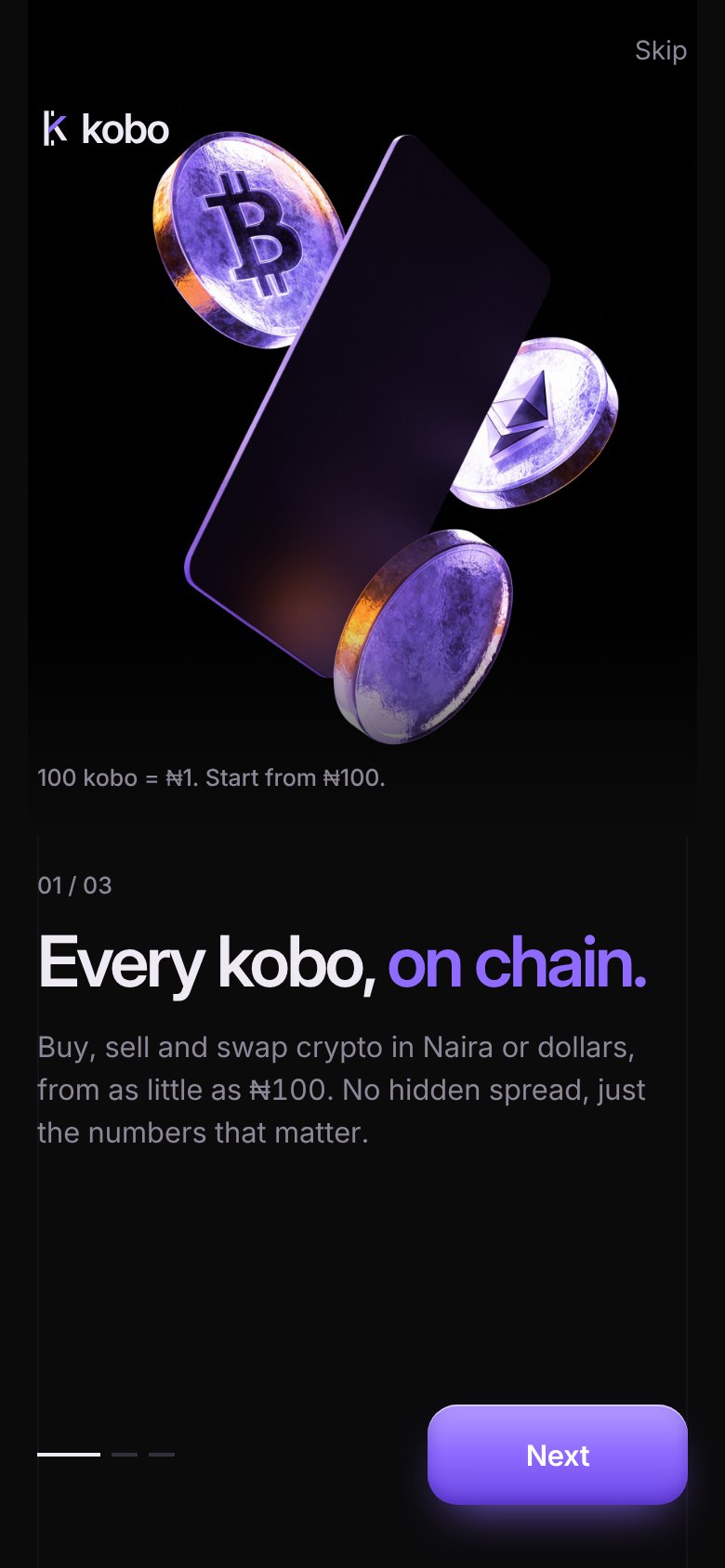
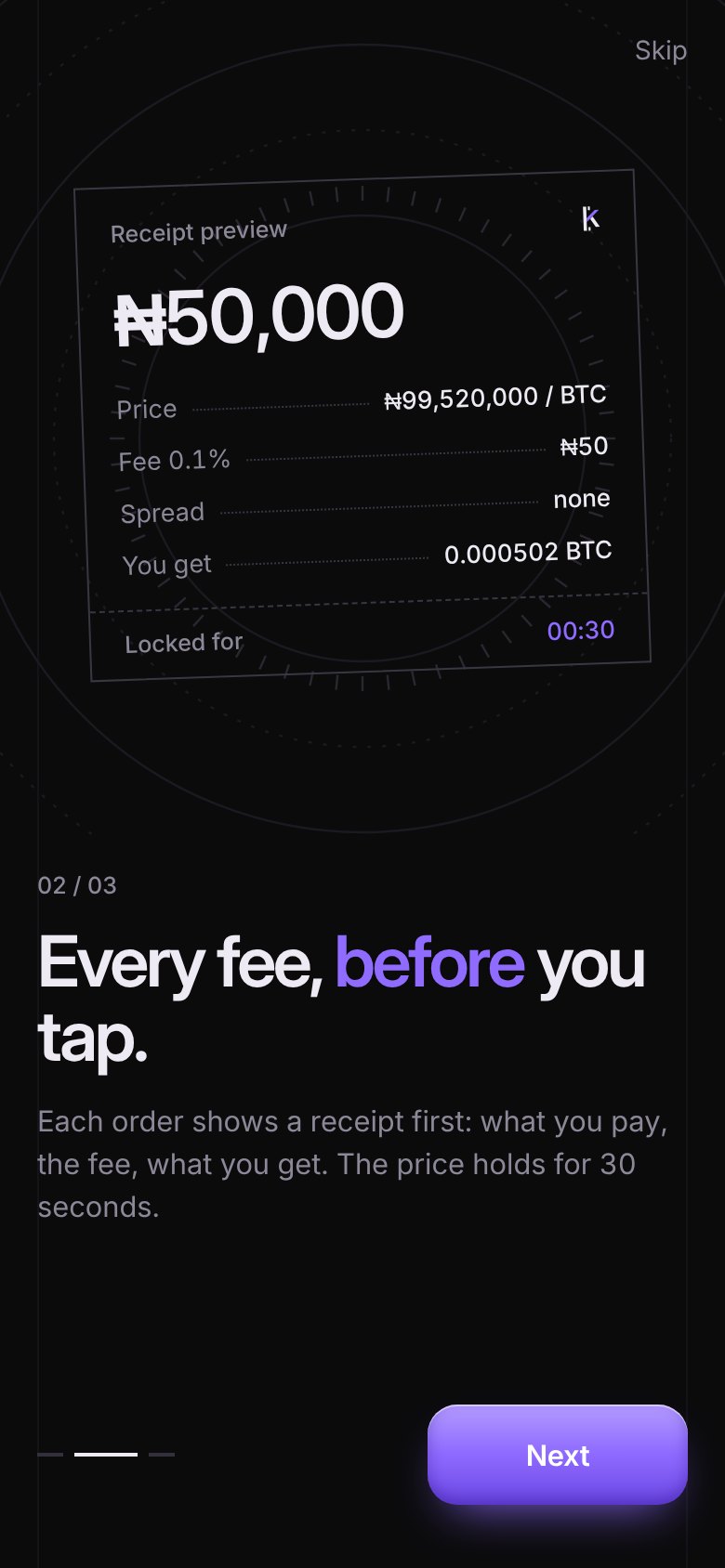
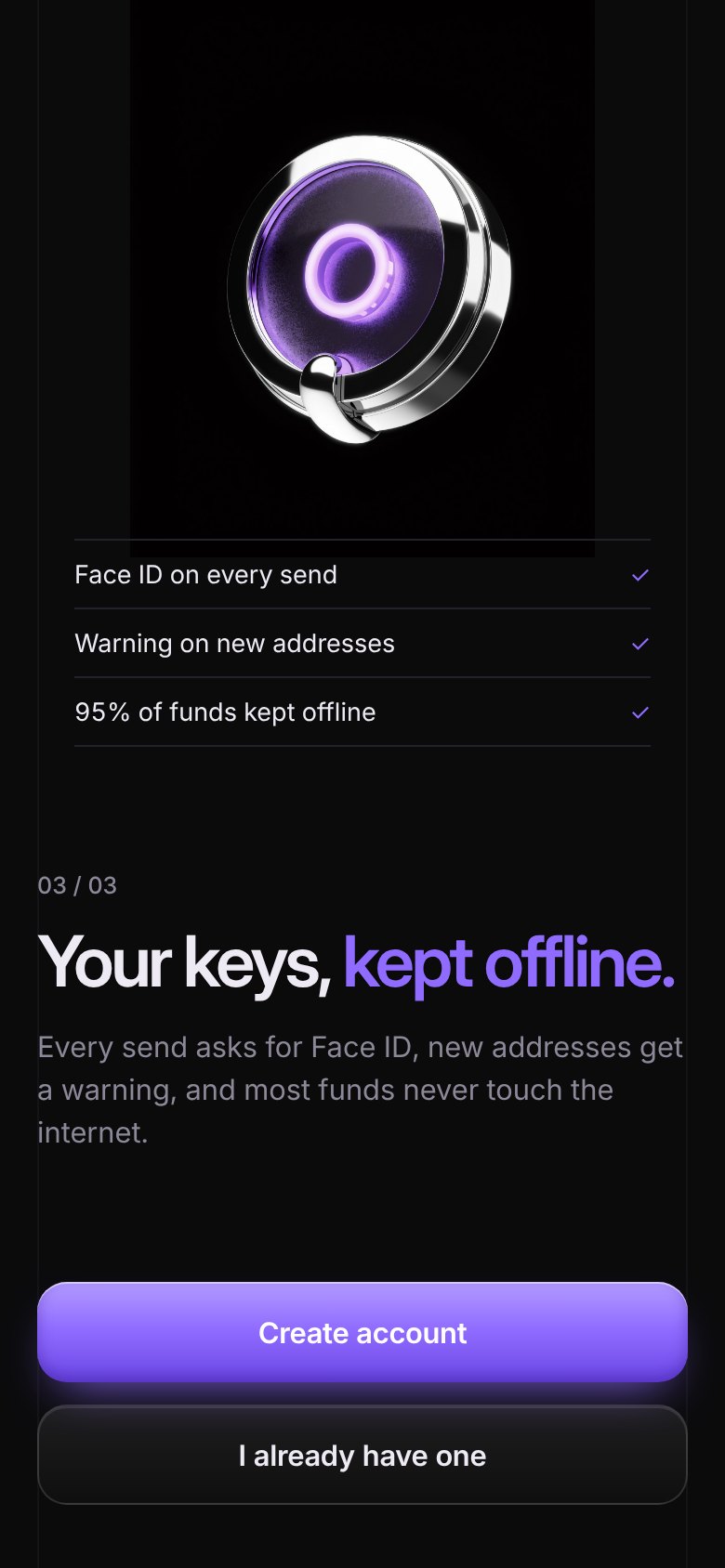
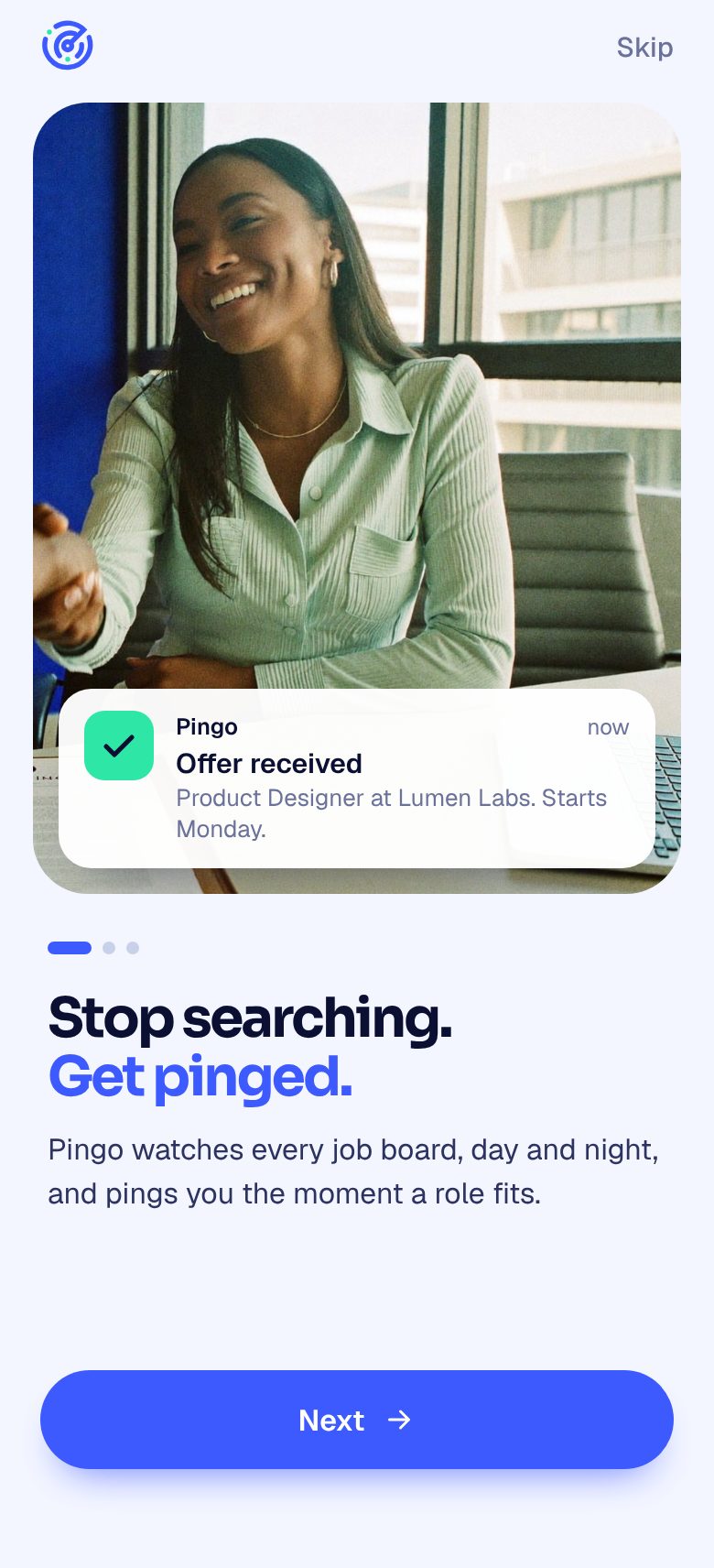
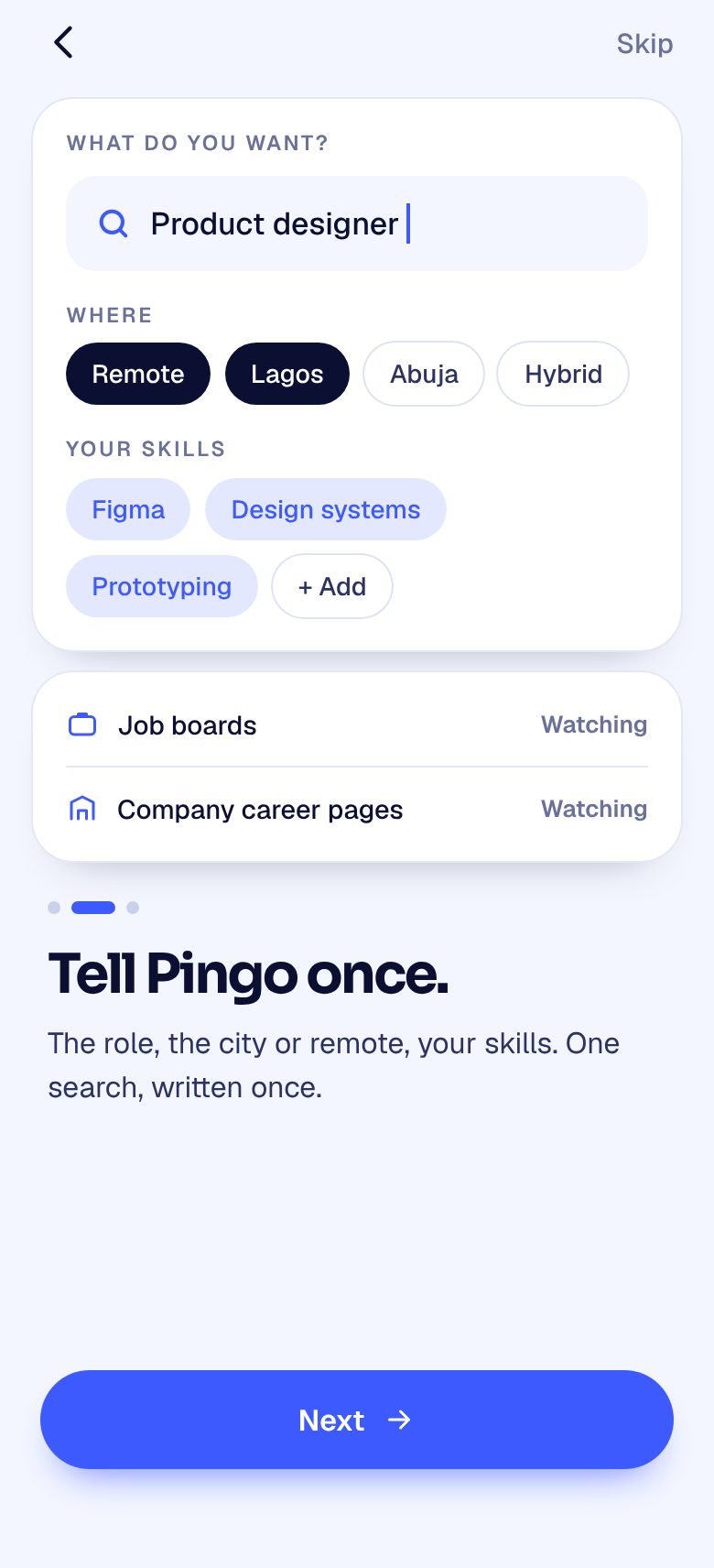
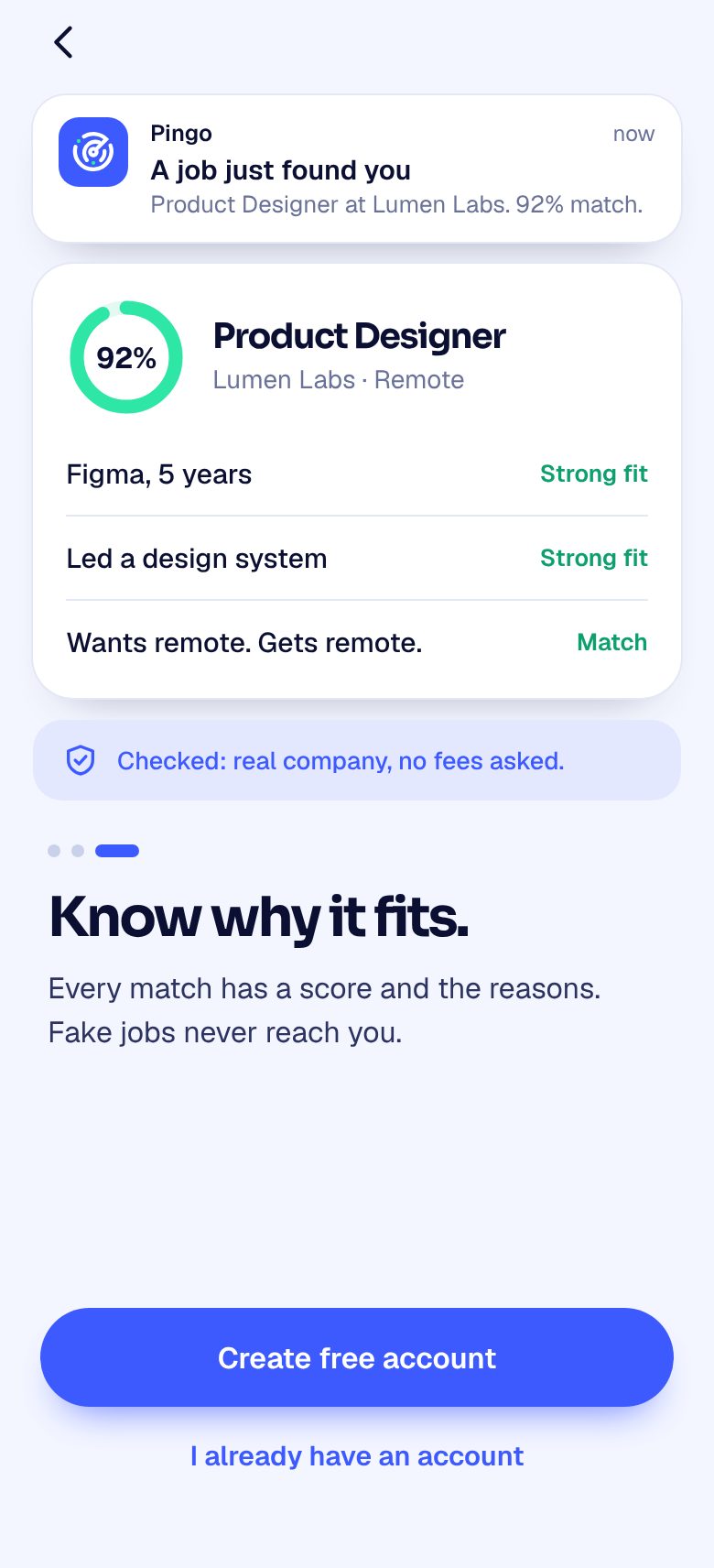
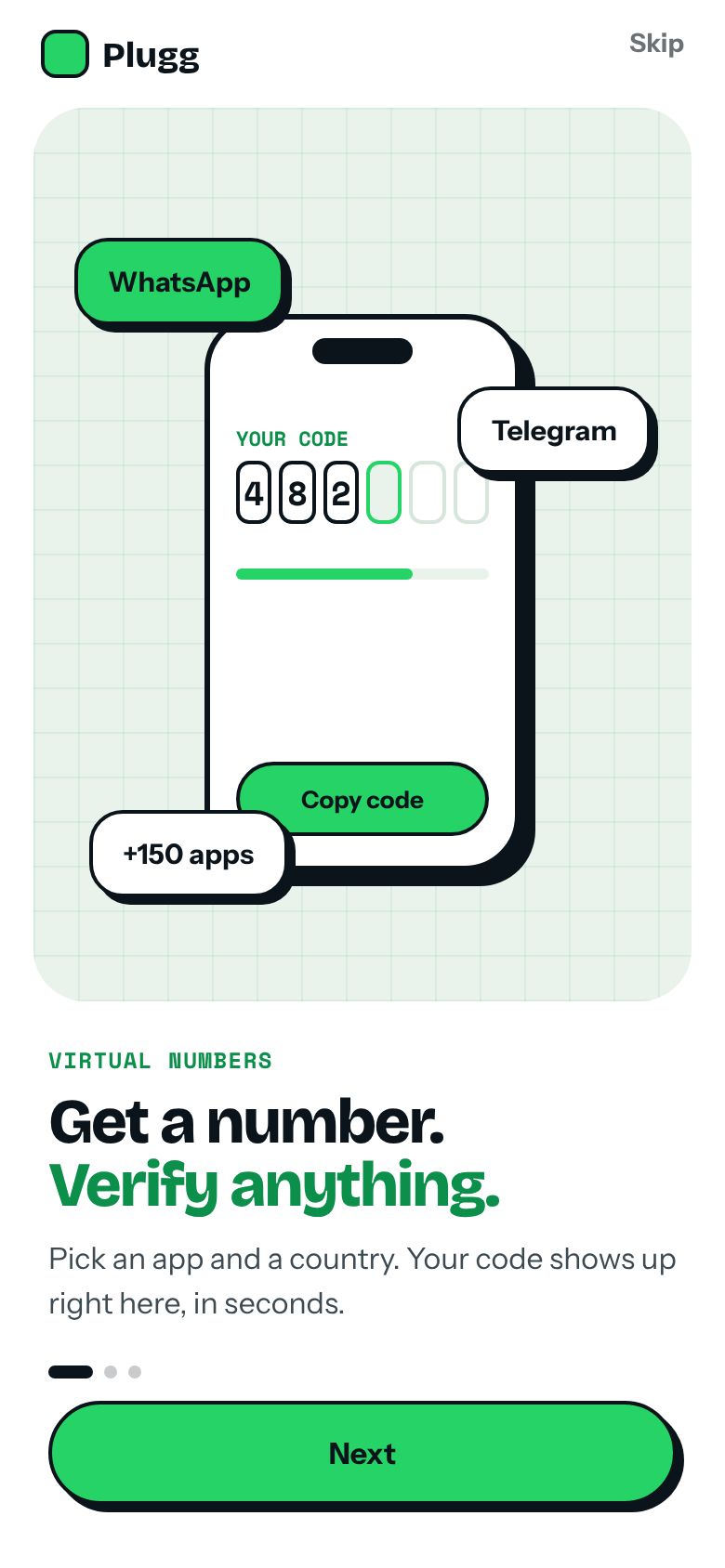
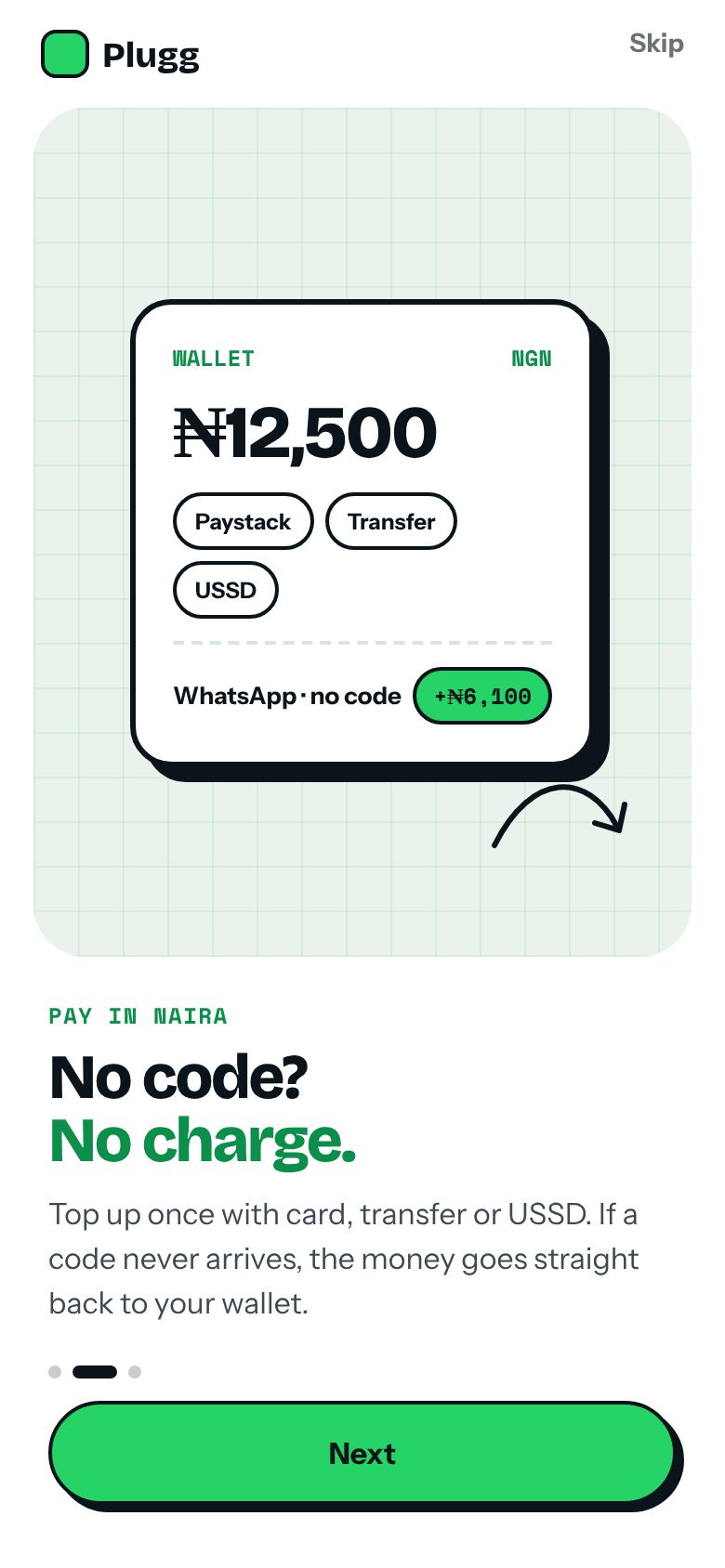
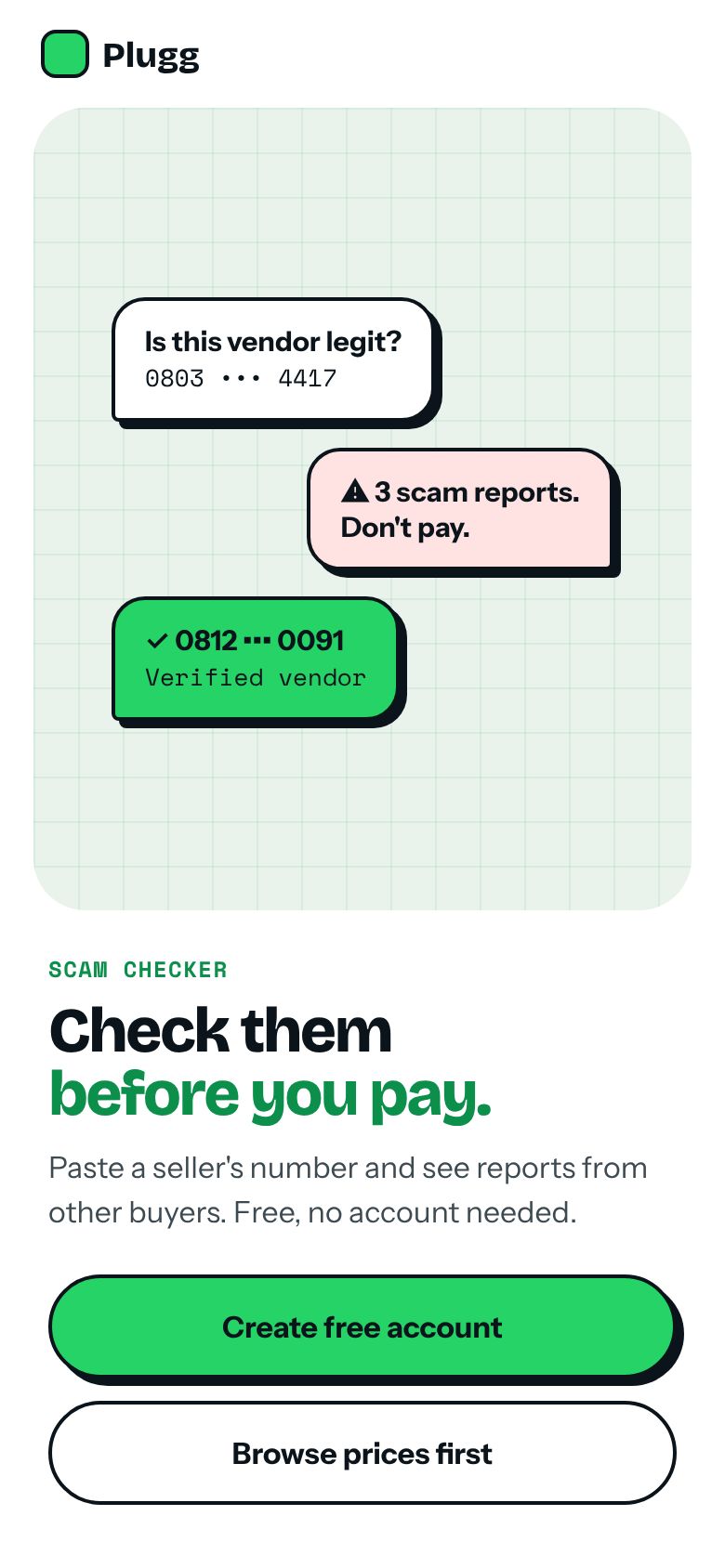
Three screens before the shop: what Plugg does, why your money is safe, and the scam checker. Sign up waits until the last screen, and you can skip straight to prices.
User flow
Browse prices 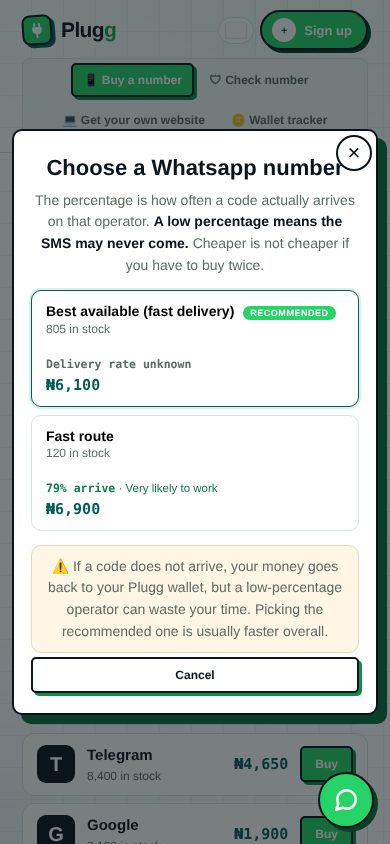
Pick operator 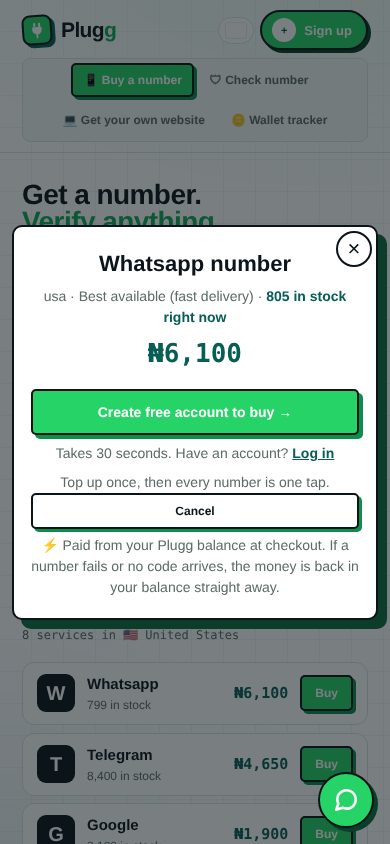
See the price 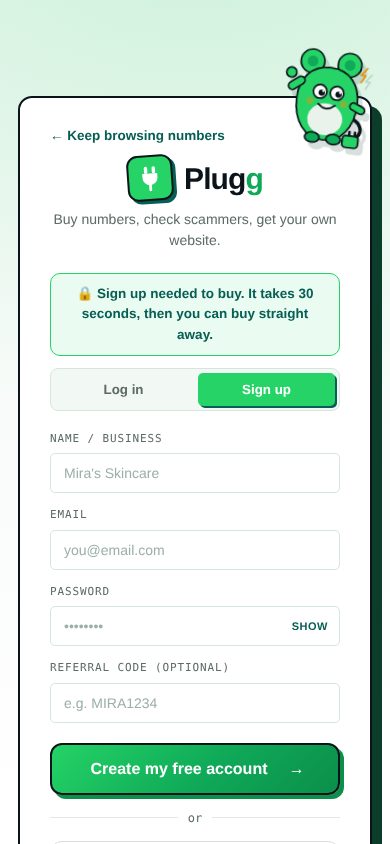
Sign up 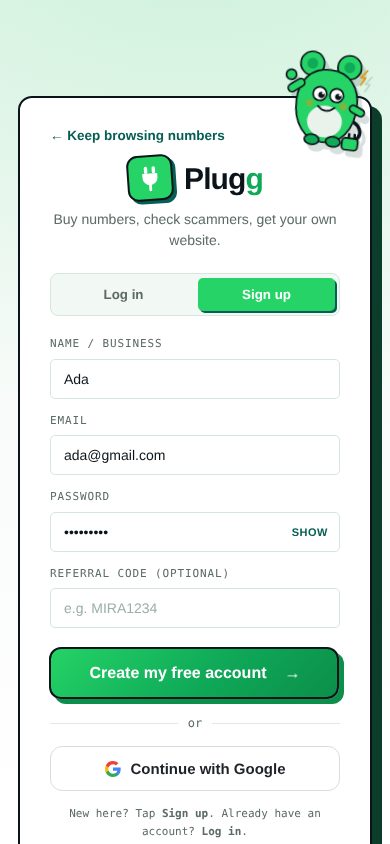
Welcome 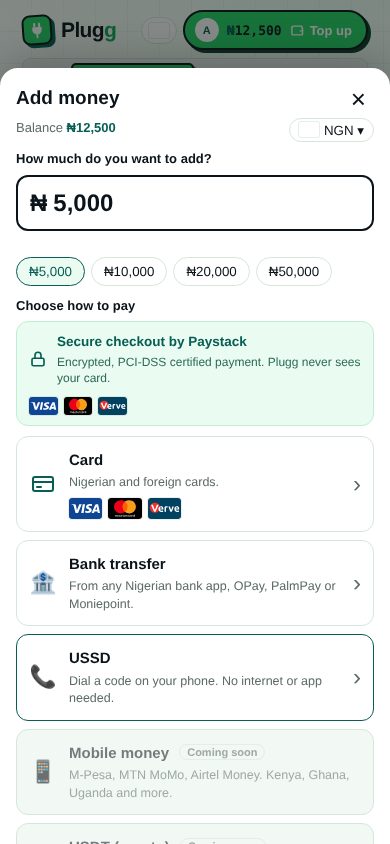
Add money 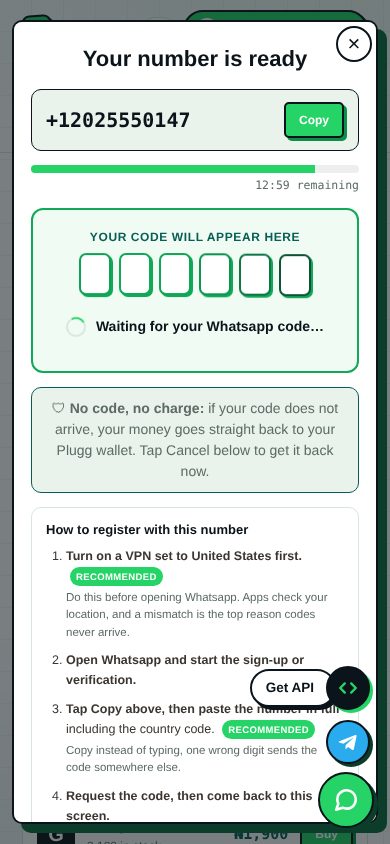
Wait for code no code? money back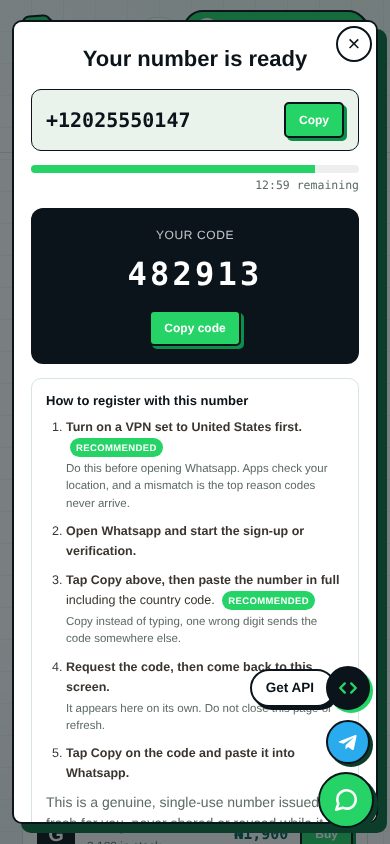
Code arrives 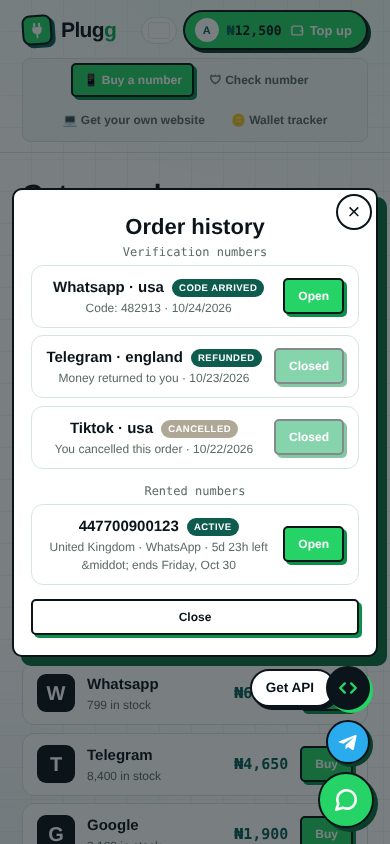
Order history
The screens
Running on a phone- Screen 01 / 10
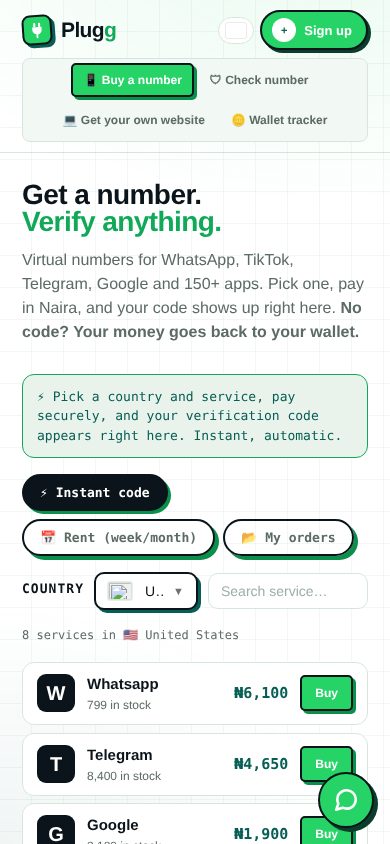
Prices before an account
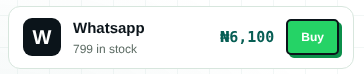
Guests see every service, price and stock count straight away. Nothing asks for sign up until you choose to buy.
WhyPeople trust a shop that shows the price first.
- Screen 02 / 10
Operator choice in plain words
Each route shows its delivery rate and price. The recommended one is marked and explained, so nobody pays twice.
WhyThe cheapest route often fails. Saying so up front saves money and support chats.
- Screen 03 / 10
The buy sheet
A bottom sheet with the price in big type, stock left, and one green button. Cancel is always one tap away.
WhyA sheet keeps the list behind it, so you never lose your place.
- Screen 04 / 10
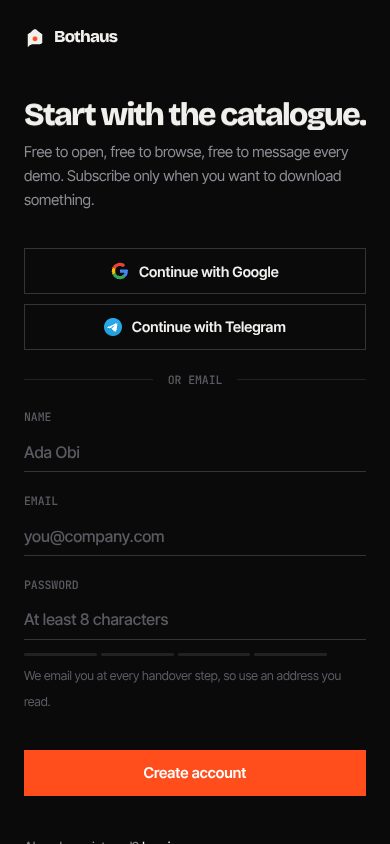
Sign up in 30 seconds
Name, email, password, optional referral code, or Google. A note tells you it takes 30 seconds.
WhySign up arrives only when it is needed, and says how long it takes.
- Screen 05 / 10
Top up the wallet
Quick amounts, then Paystack, card, bank transfer or USSD. Each method says who it is for.
WhyMany buyers have no card. USSD and transfer keep them in the flow.
- Screen 06 / 10
Waiting, with a timer
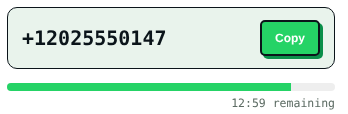
The number is ready to copy. Six empty boxes wait for the code while a bar counts down.
WhyWaiting feels shorter when you can see progress and know the refund rule.
- Screen 07 / 10
The code lands
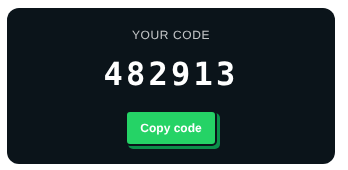
The code appears large on a dark card with its own Copy button, then the steps to use it.
WhyThe one thing you came for gets the strongest contrast on the screen.
- Screen 08 / 10
Order history
Every order with its status: code arrived, refunded, cancelled, active rental.
WhyClear refund labels stop "where is my money" messages.
- Screen 09 / 10
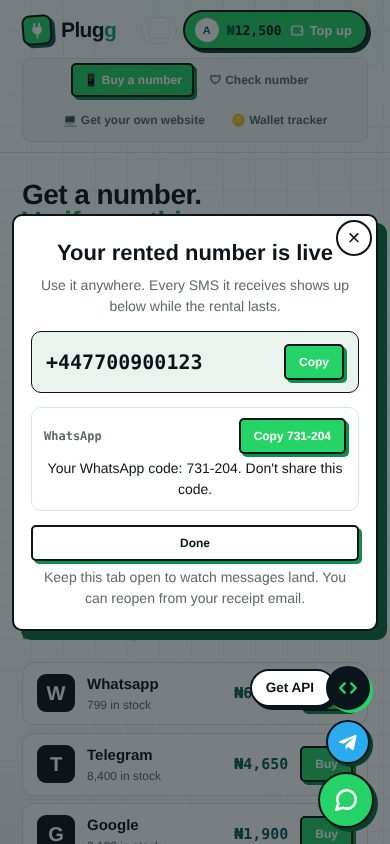
Rent a number for a week
The rental shows the number, every SMS it receives, and a copy button for each code.
WhySome apps send codes again later. A rental keeps them in one place.
- Screen 10 / 10
Scam checker
Paste a vendor's number before you pay. The full page scrolls here so you can see the layout top to bottom.
WhyThe whole brand promise: don't get played.

States
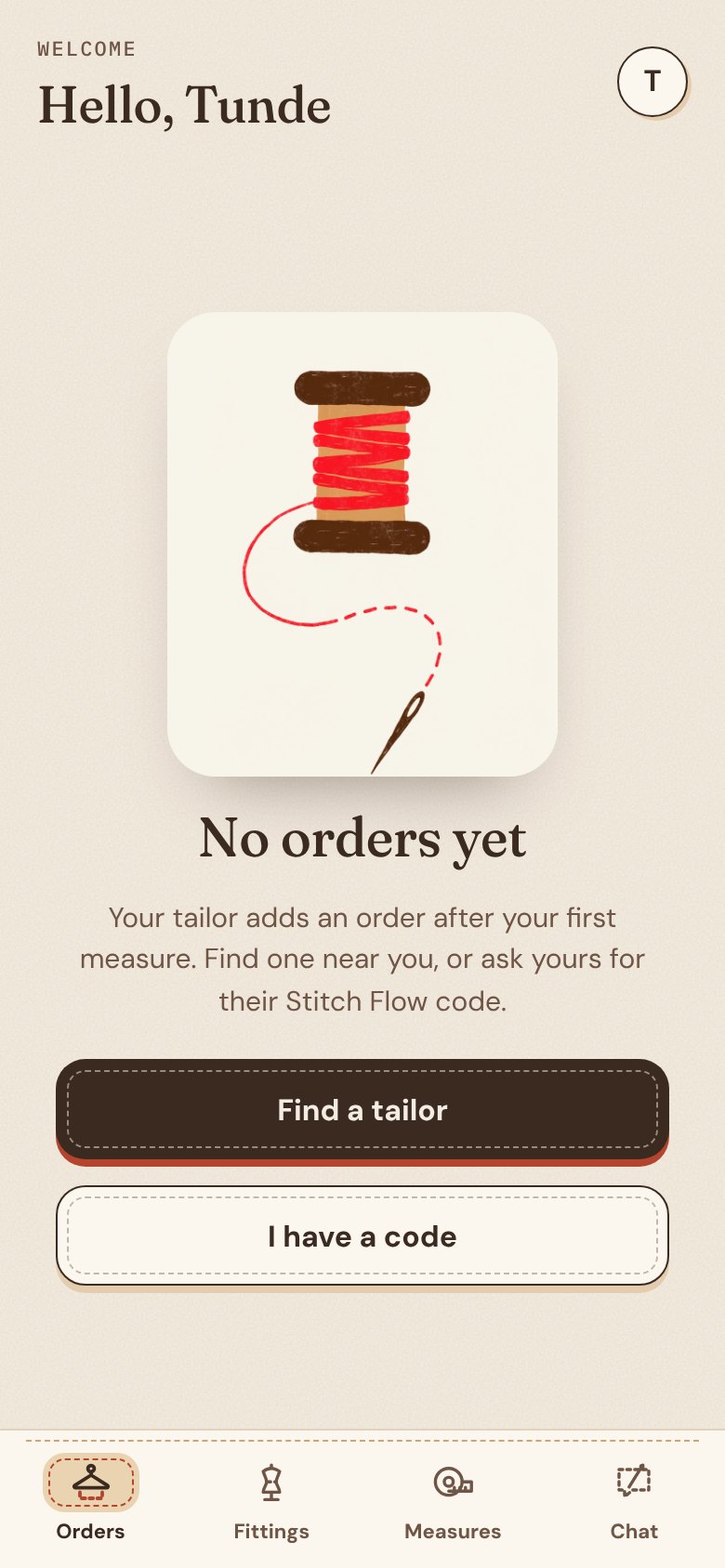
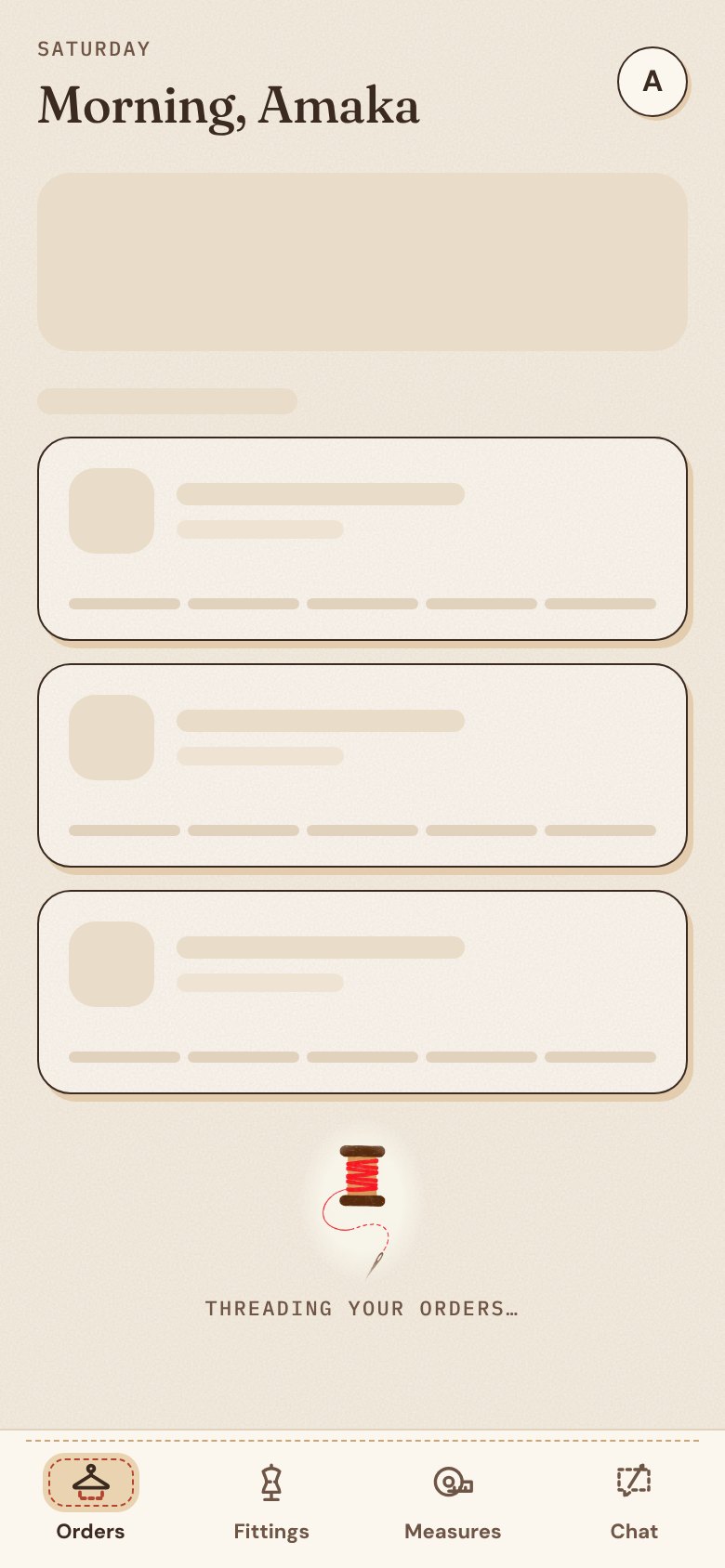
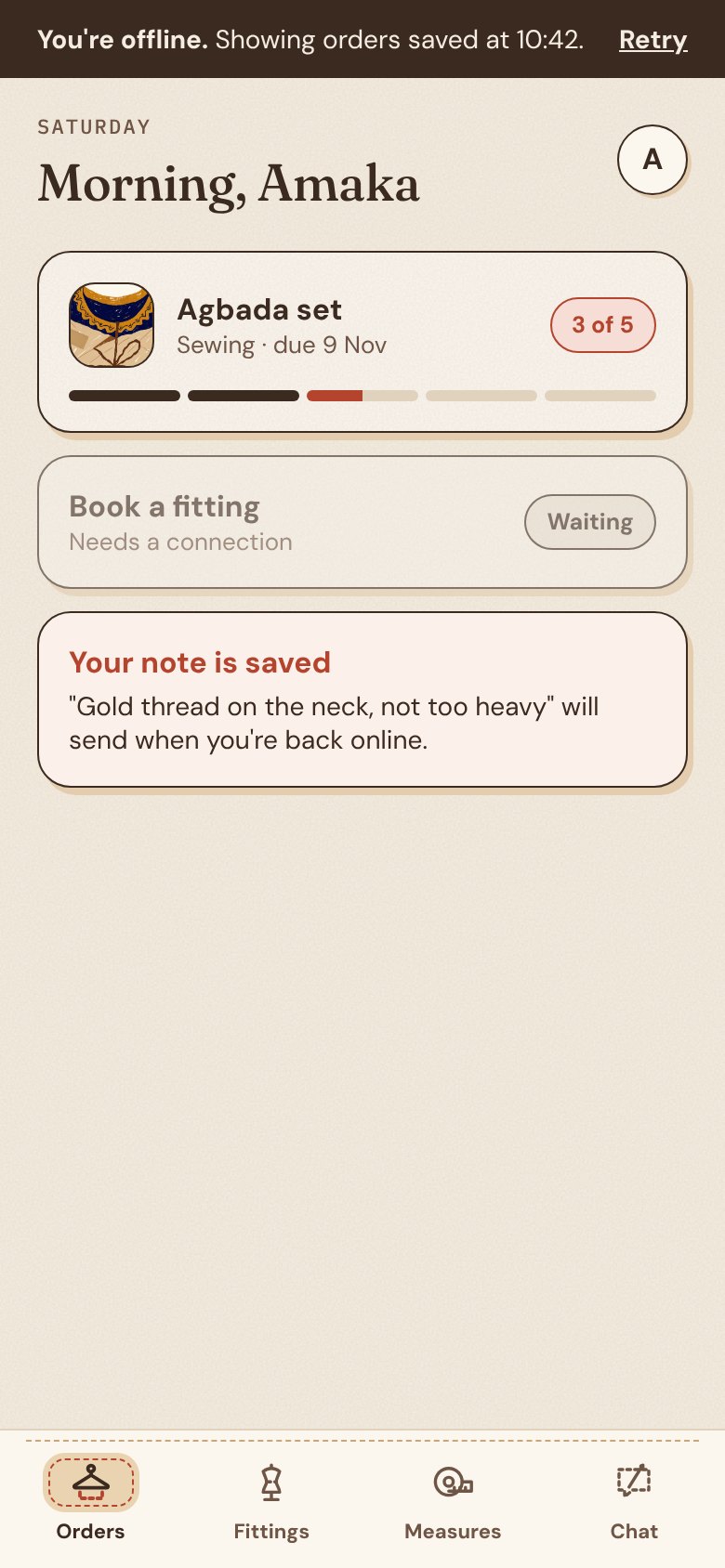
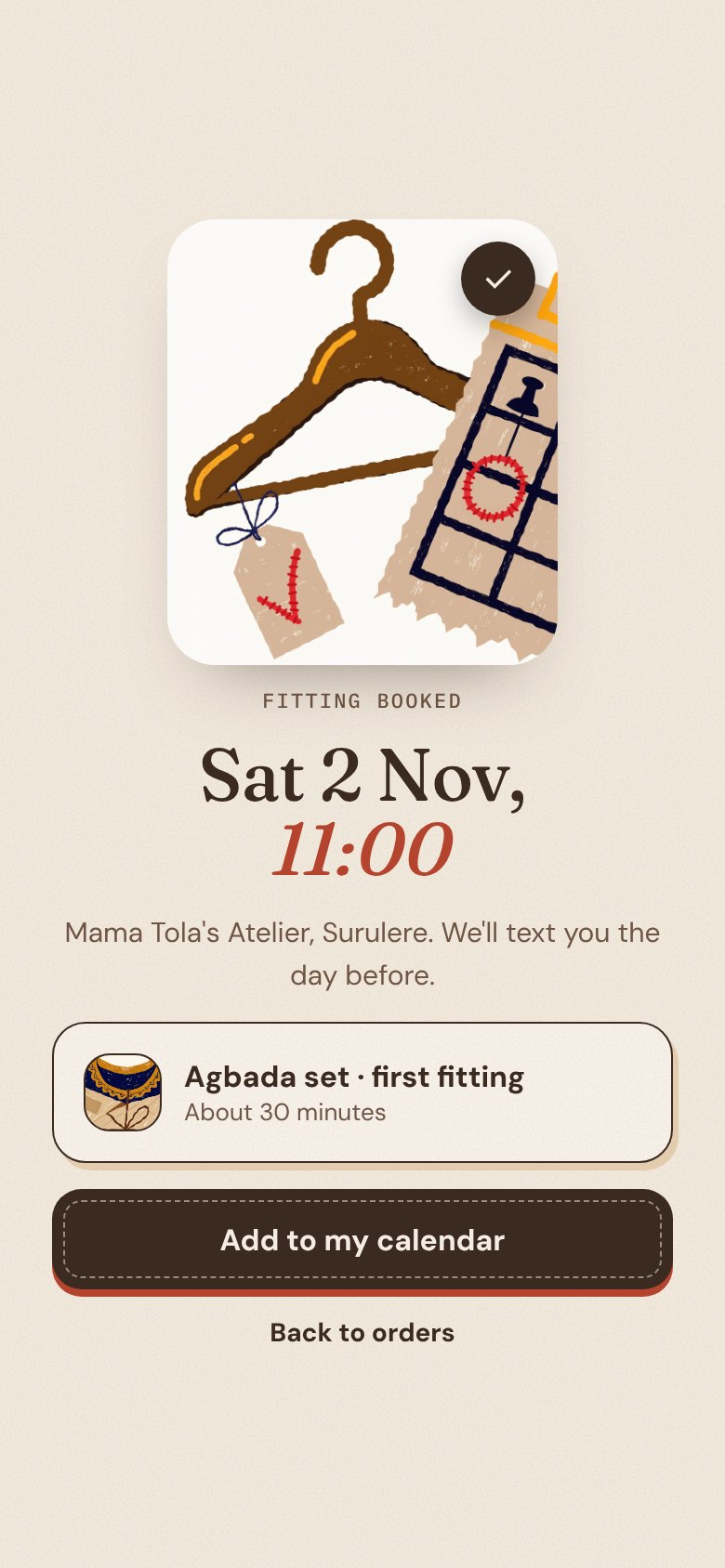
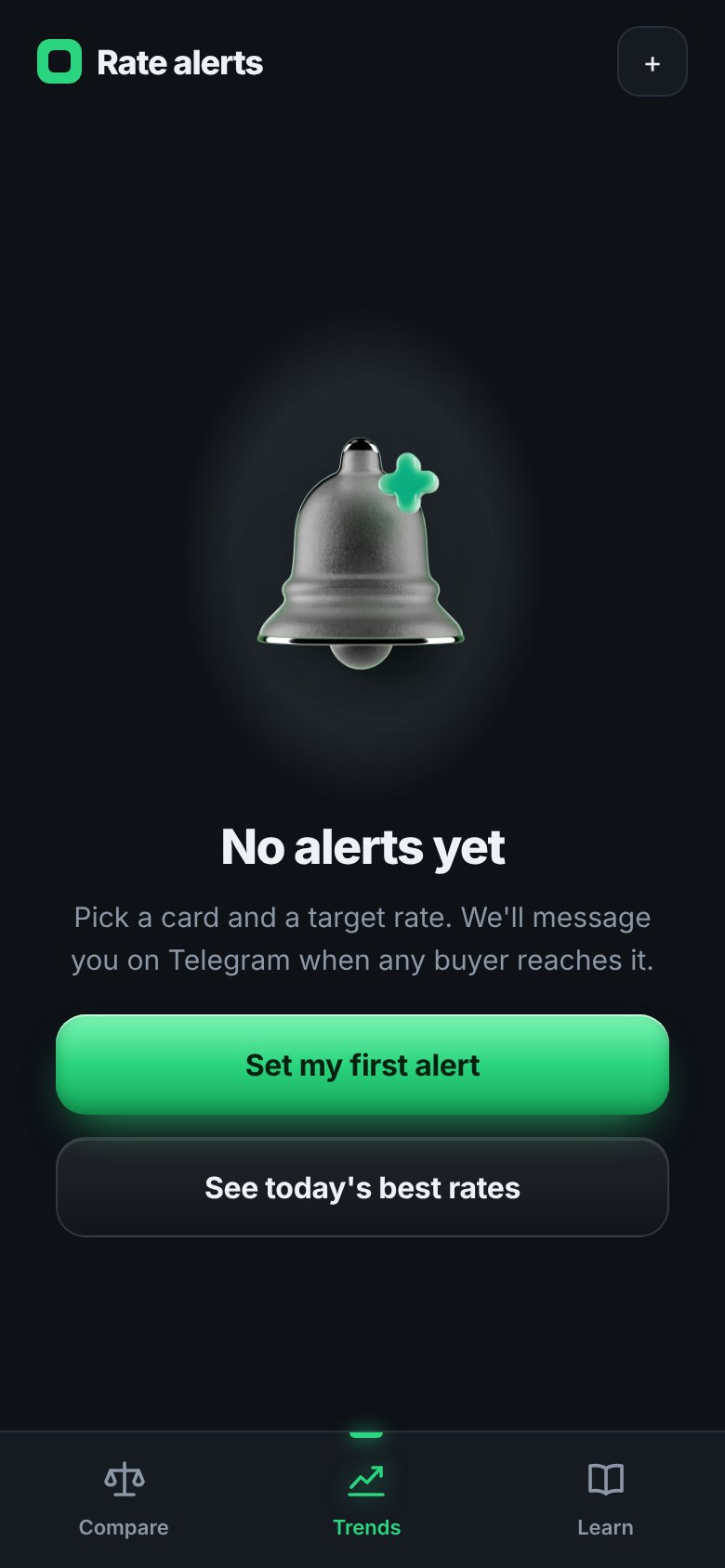
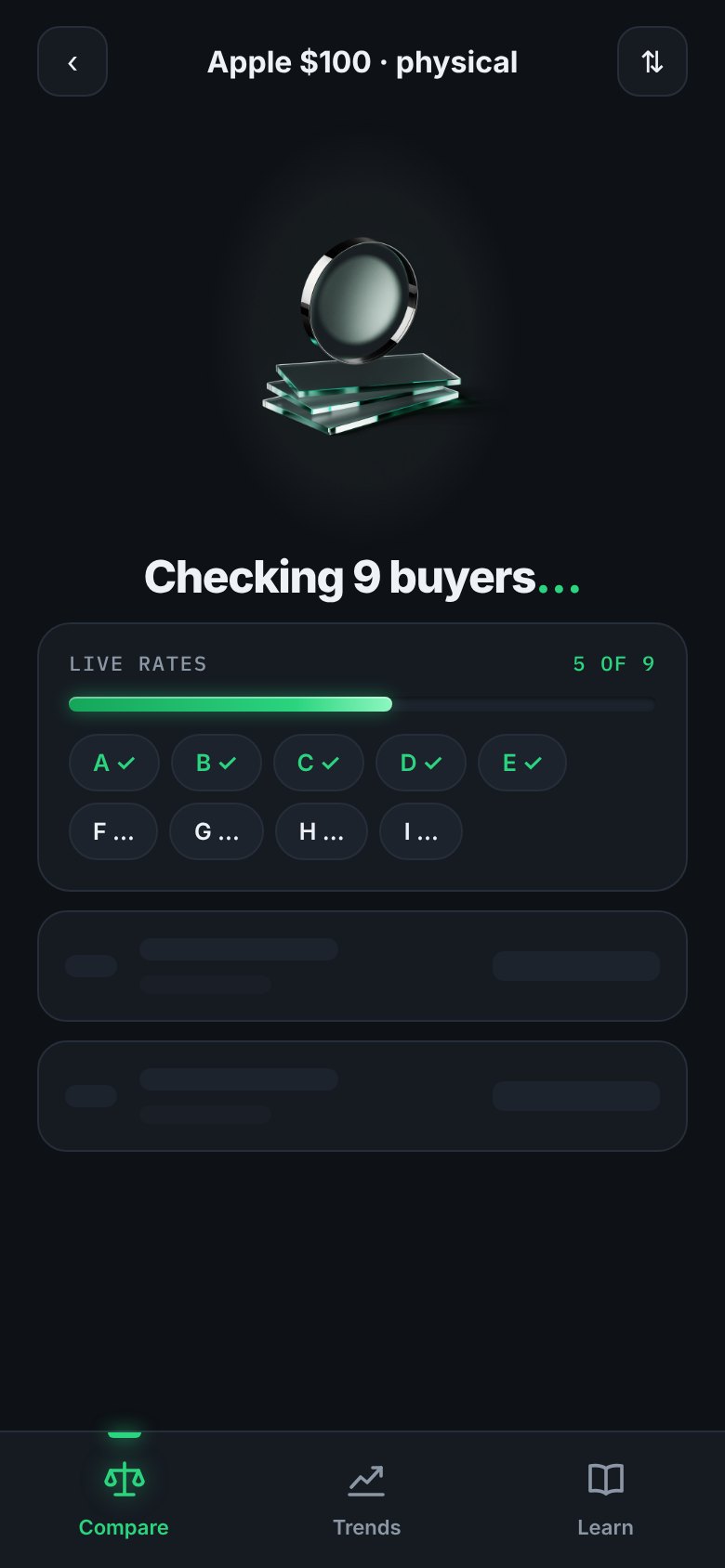
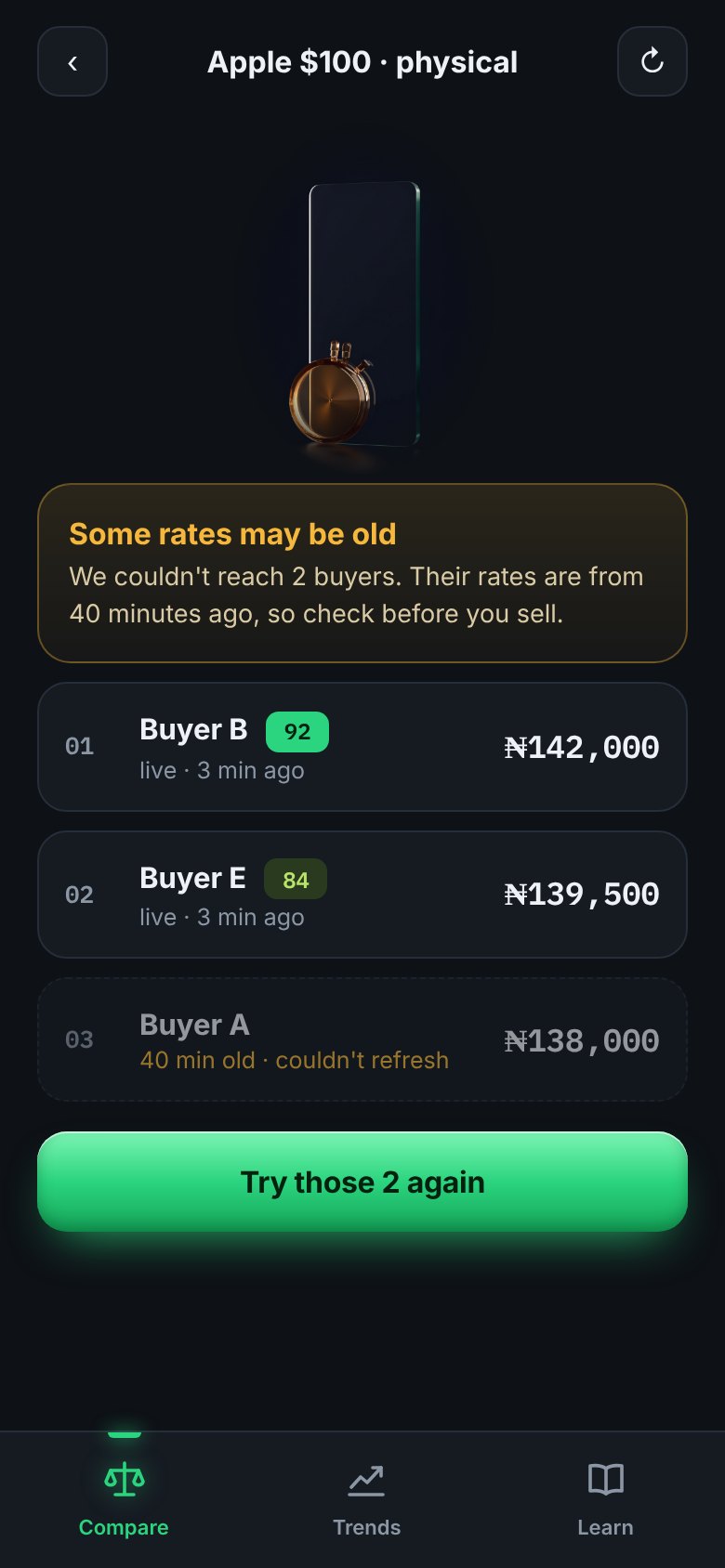
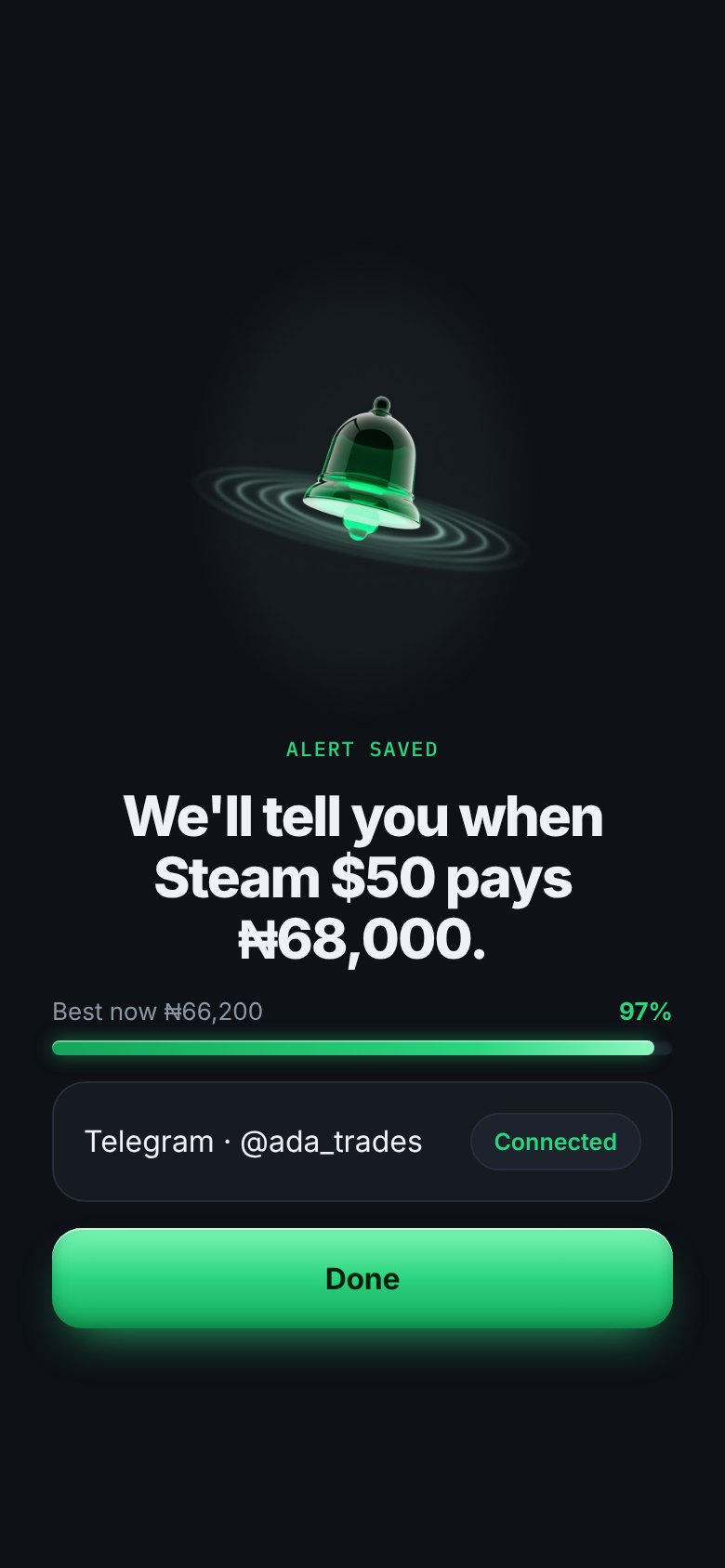
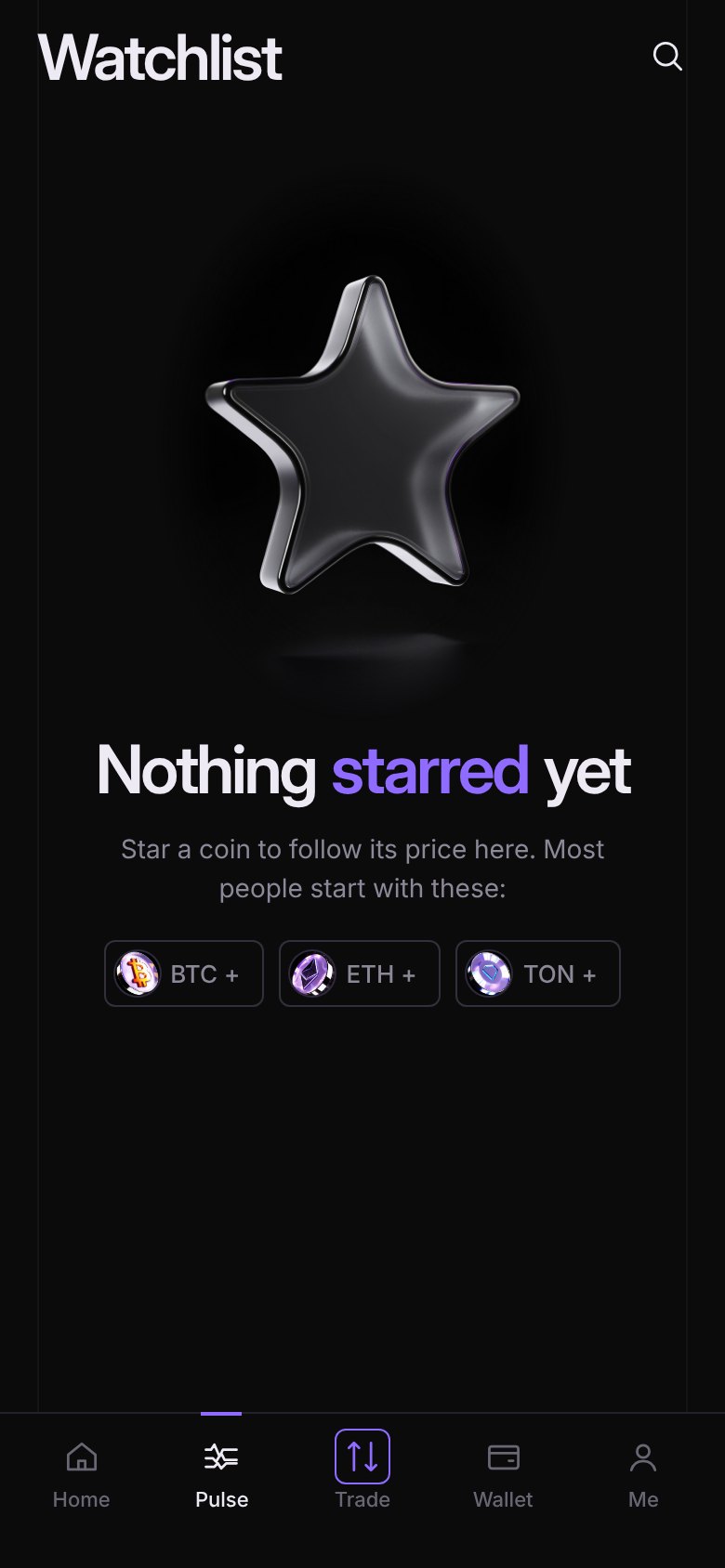
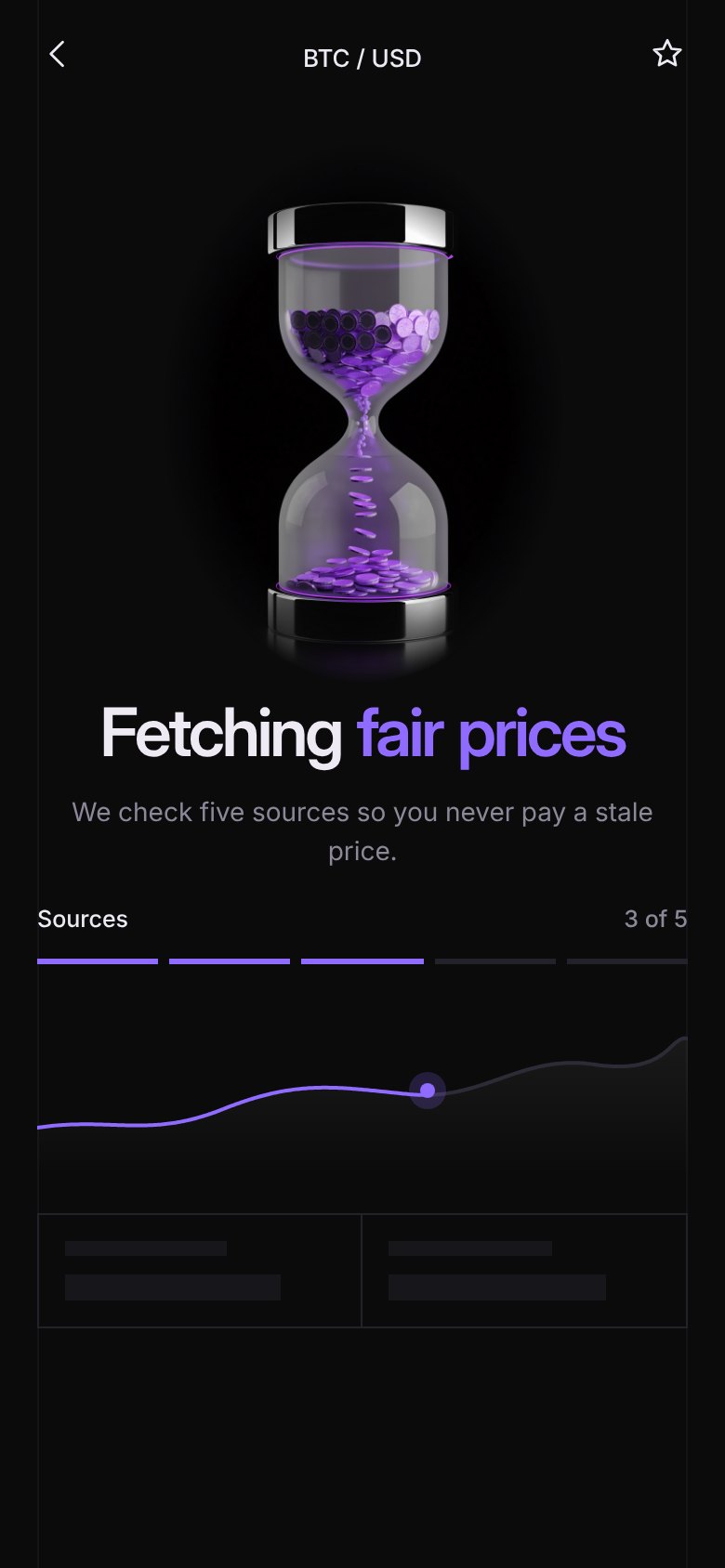
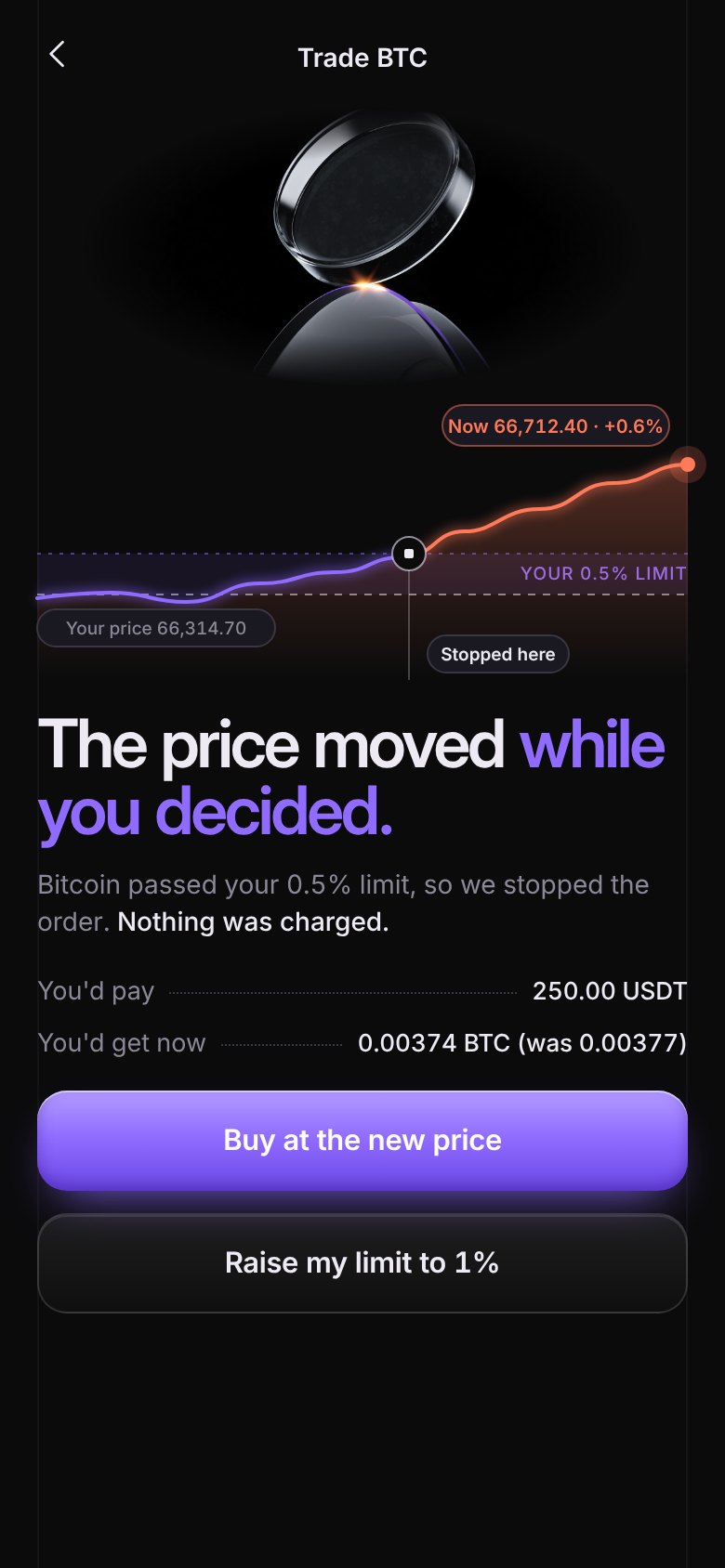
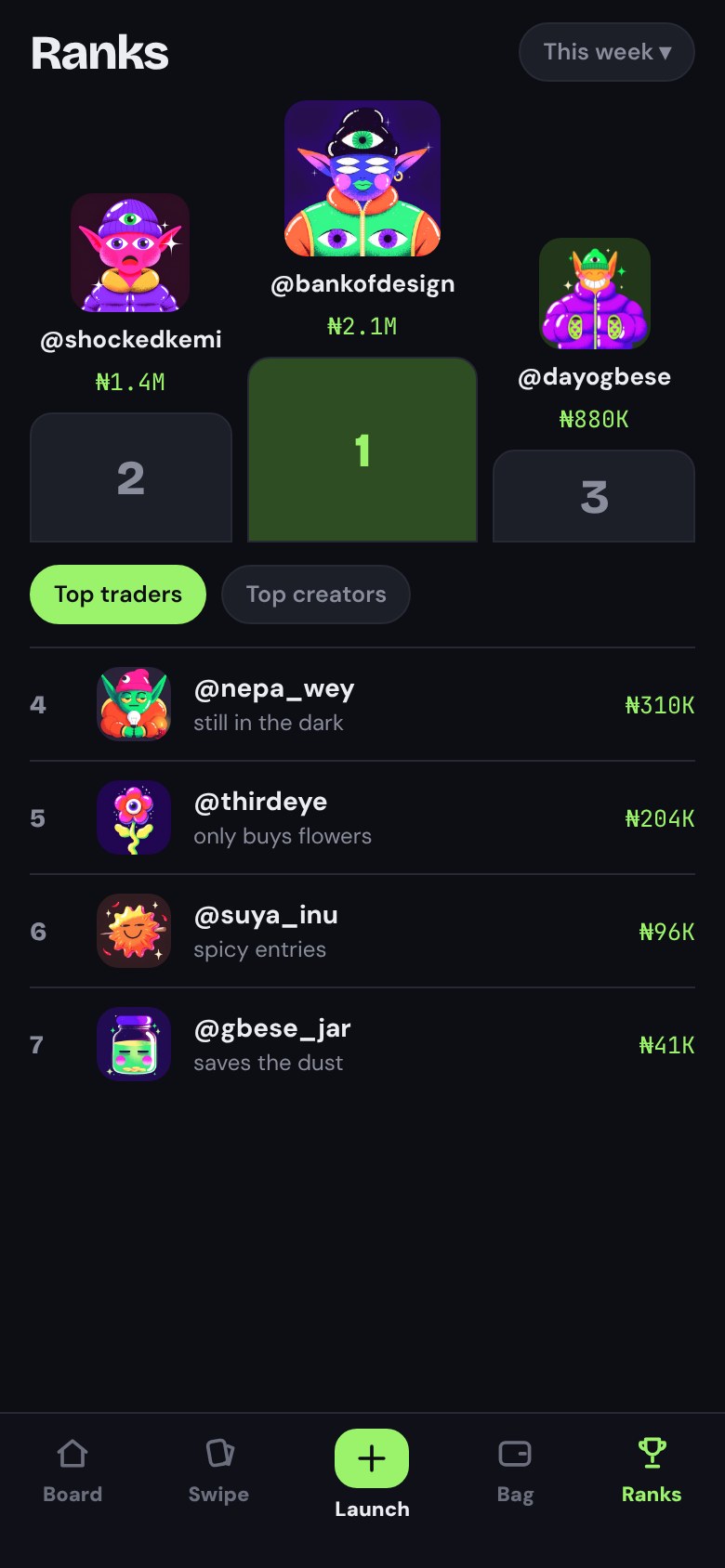
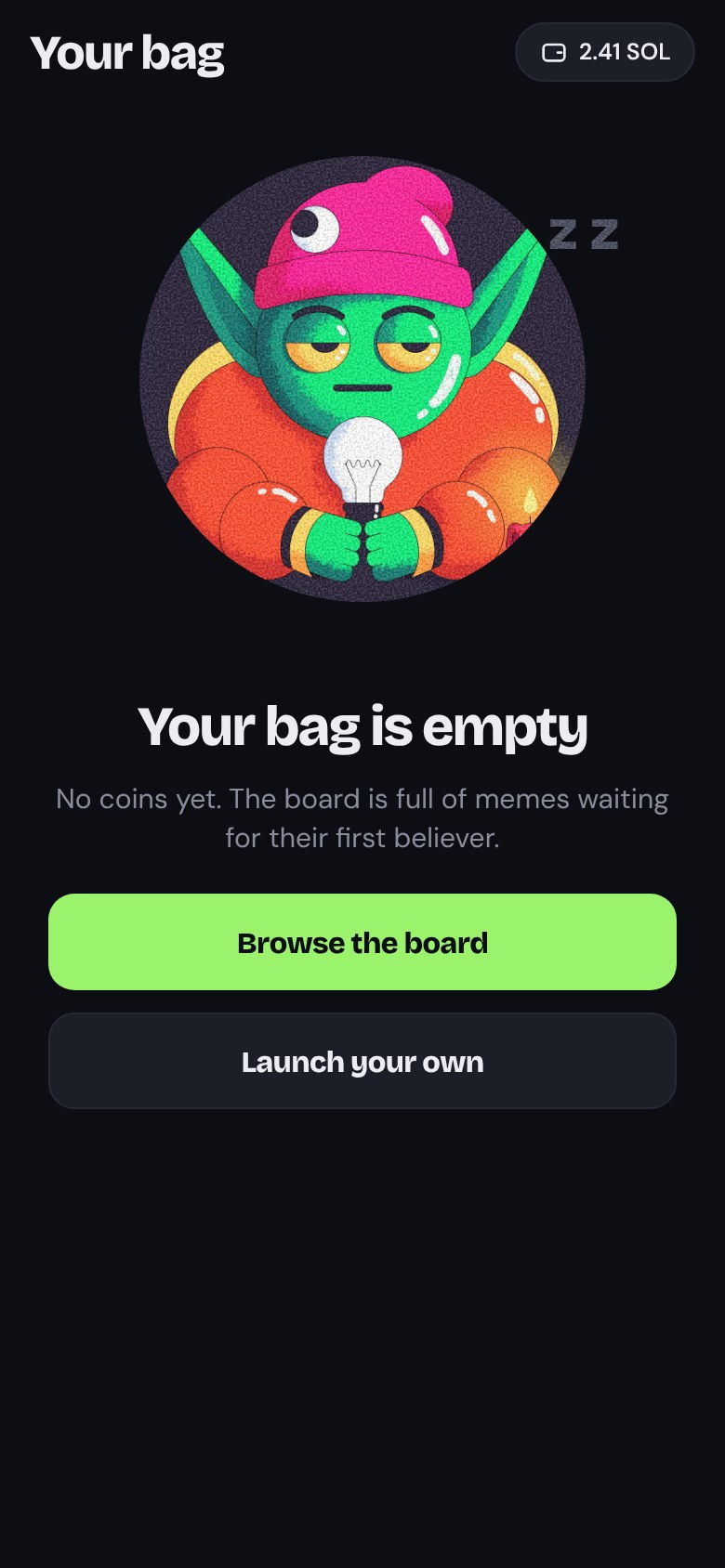
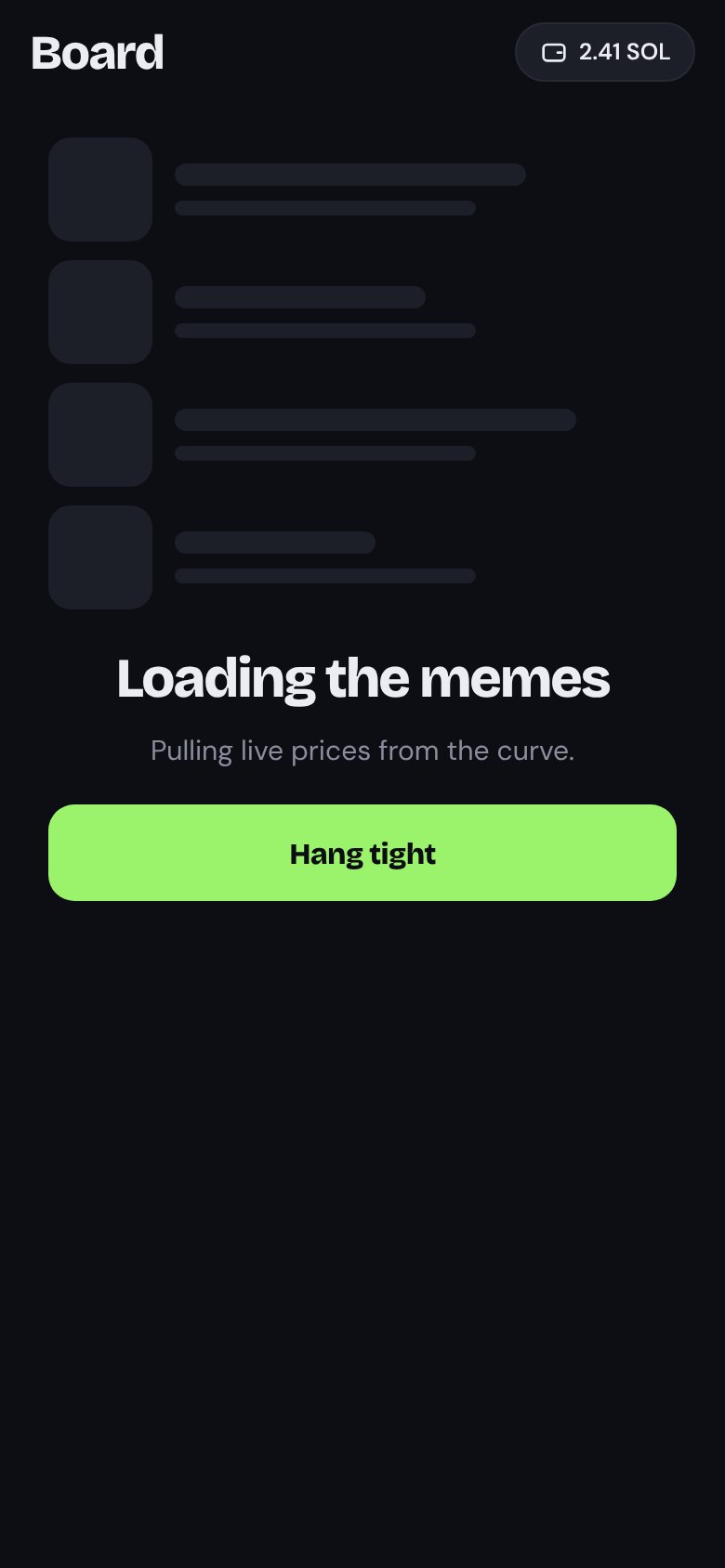
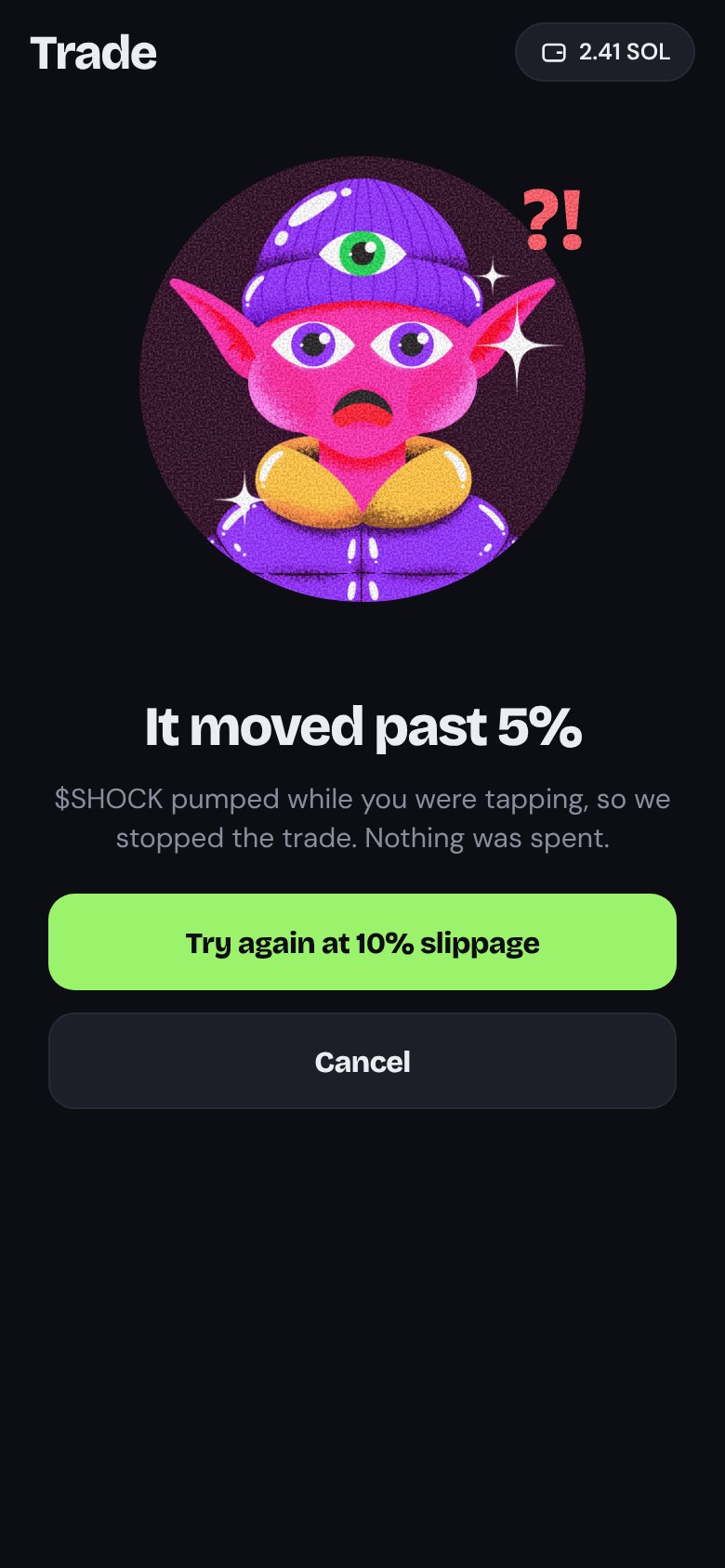
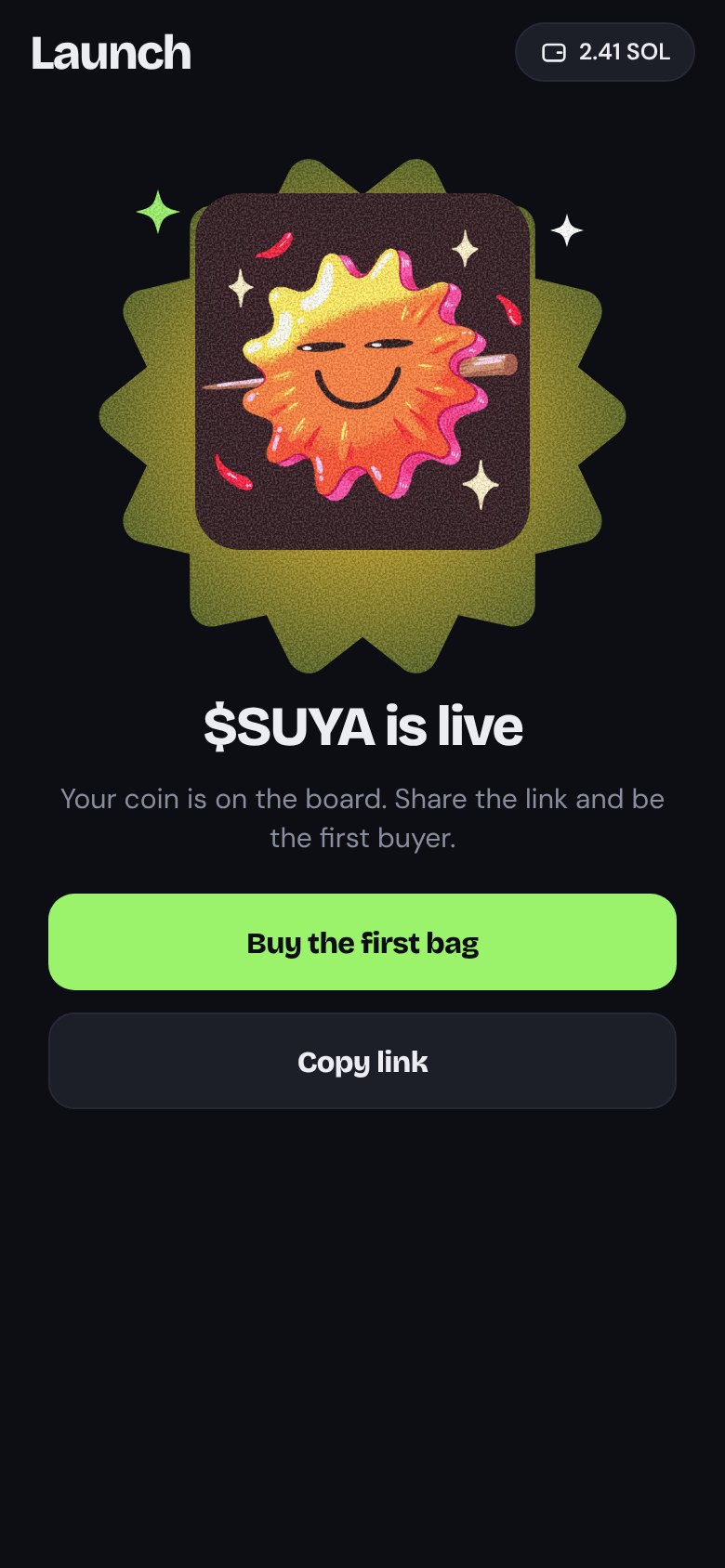
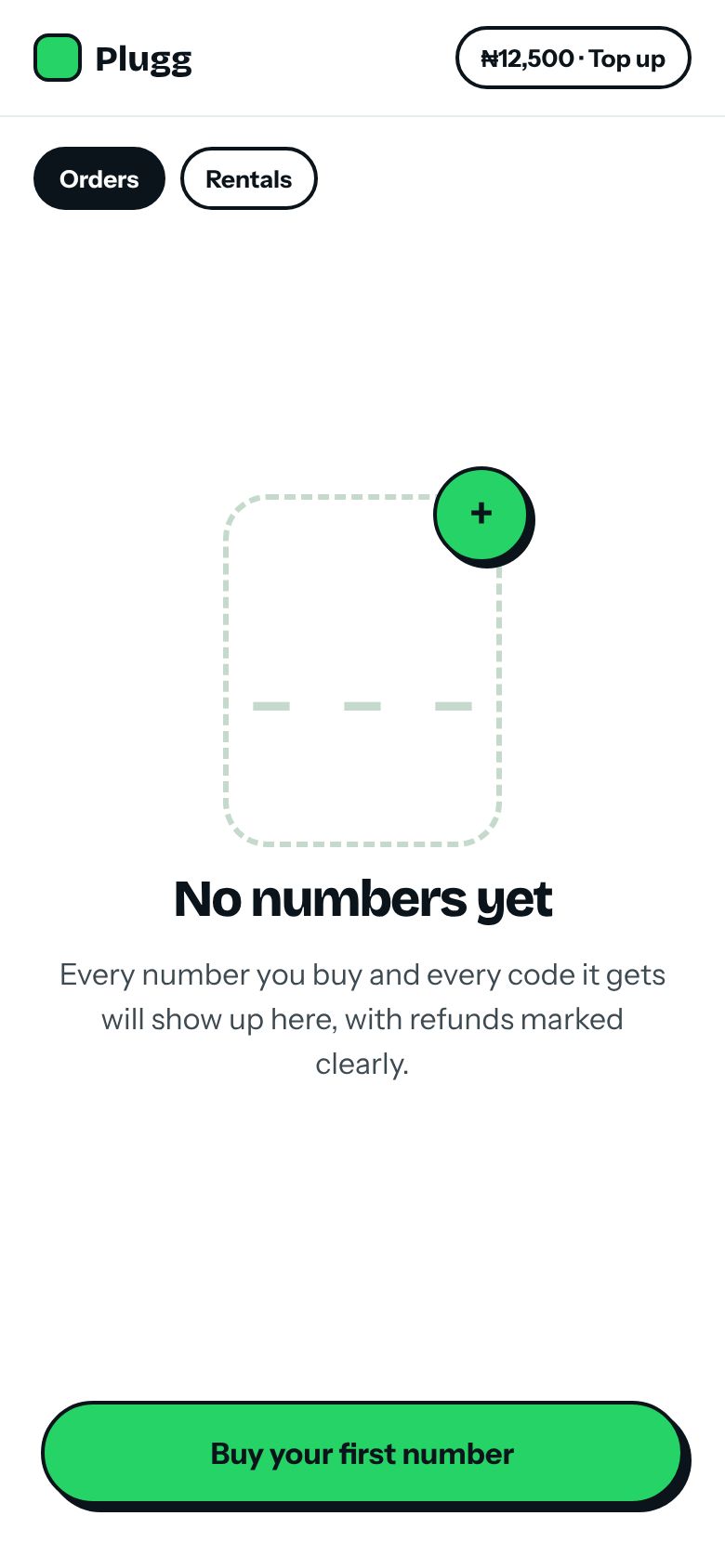
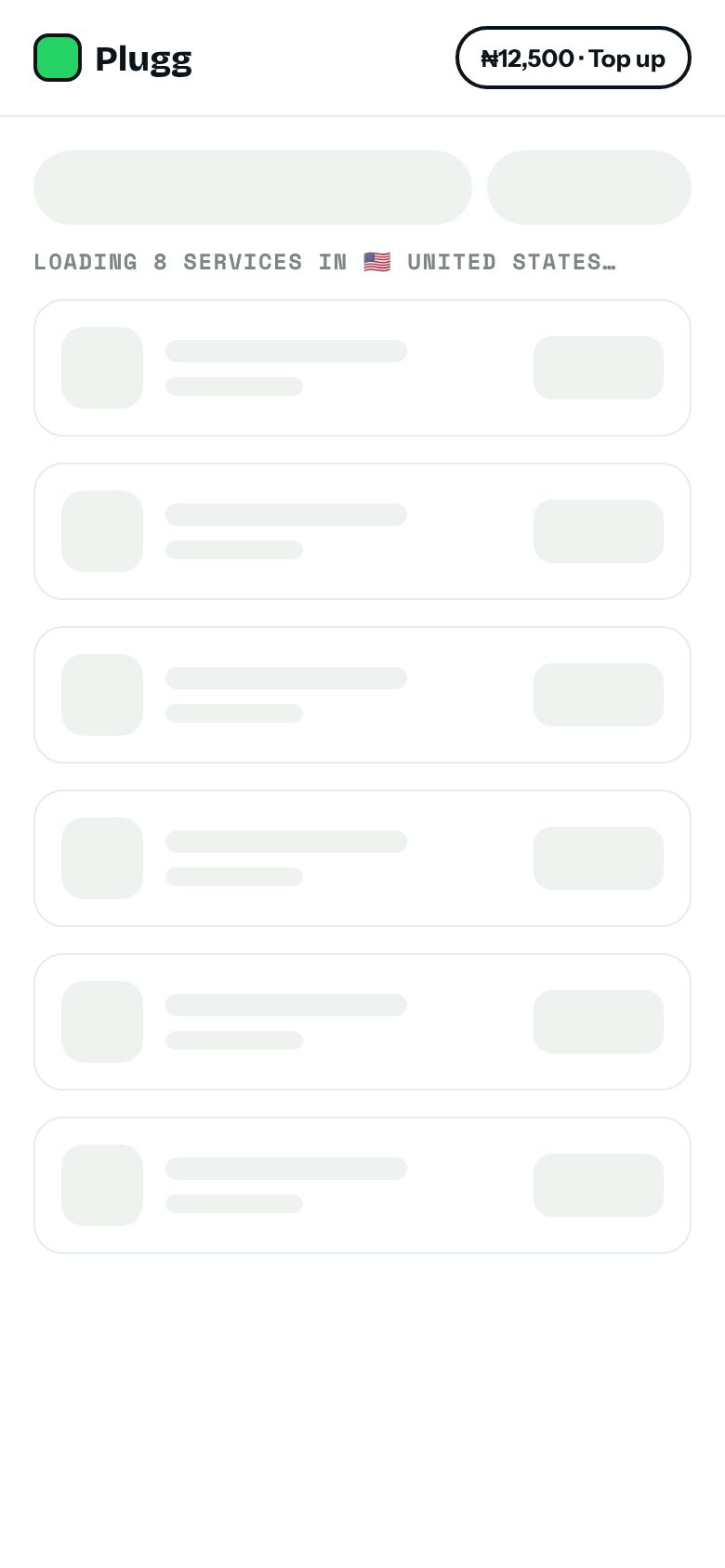
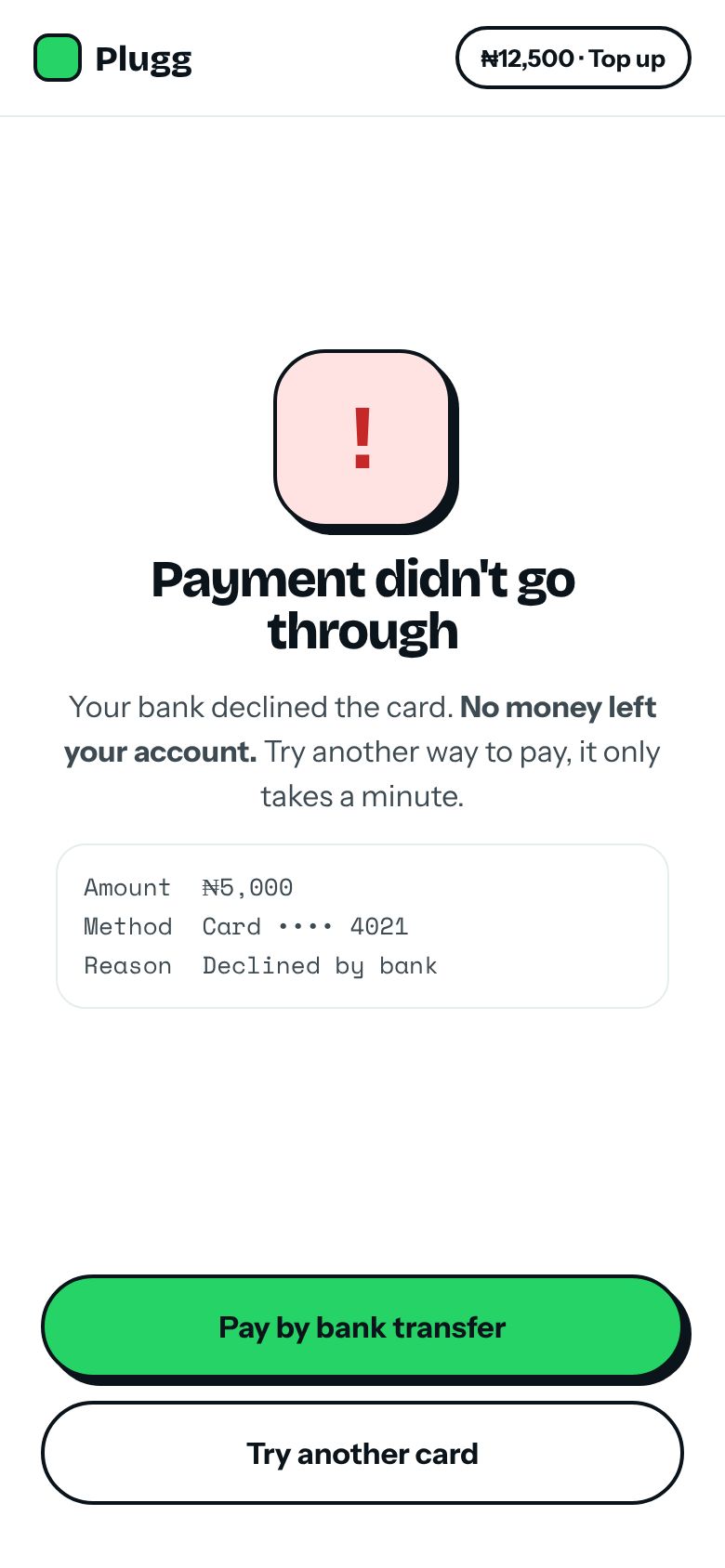
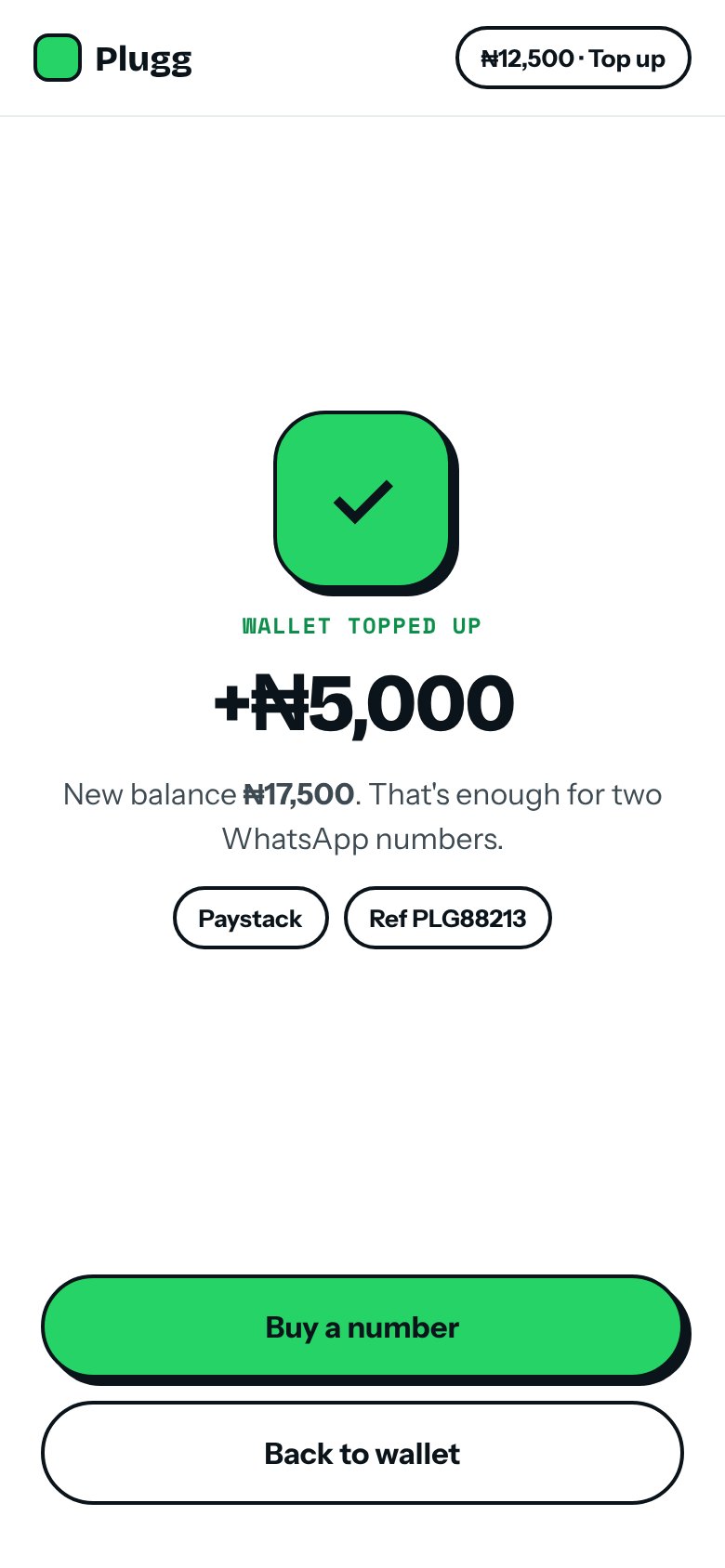
The screens nobody screenshots but every user sees: nothing there yet, still loading, something went wrong, and it worked.
Design system
Built in FigmaColour
Type
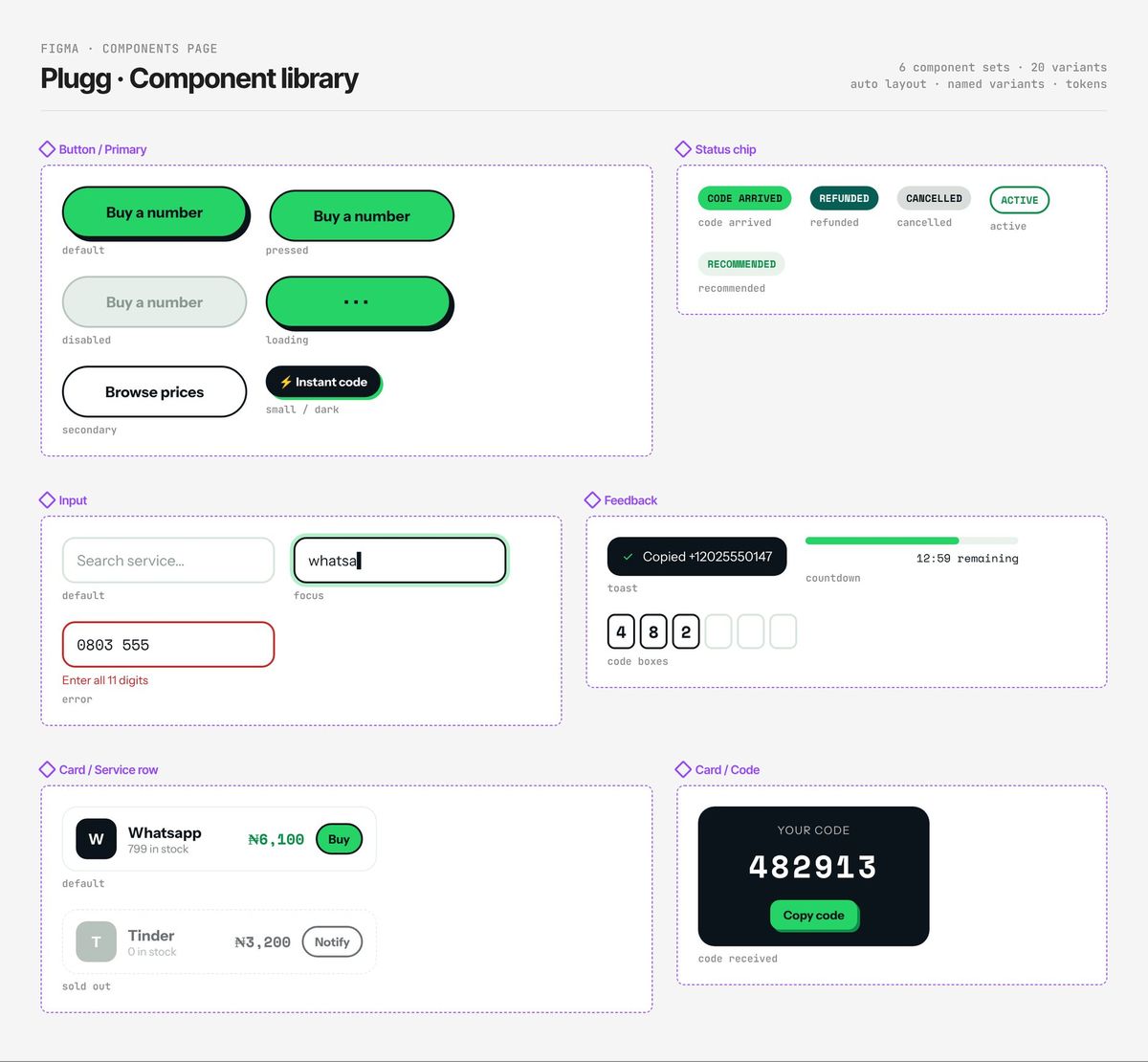
Components
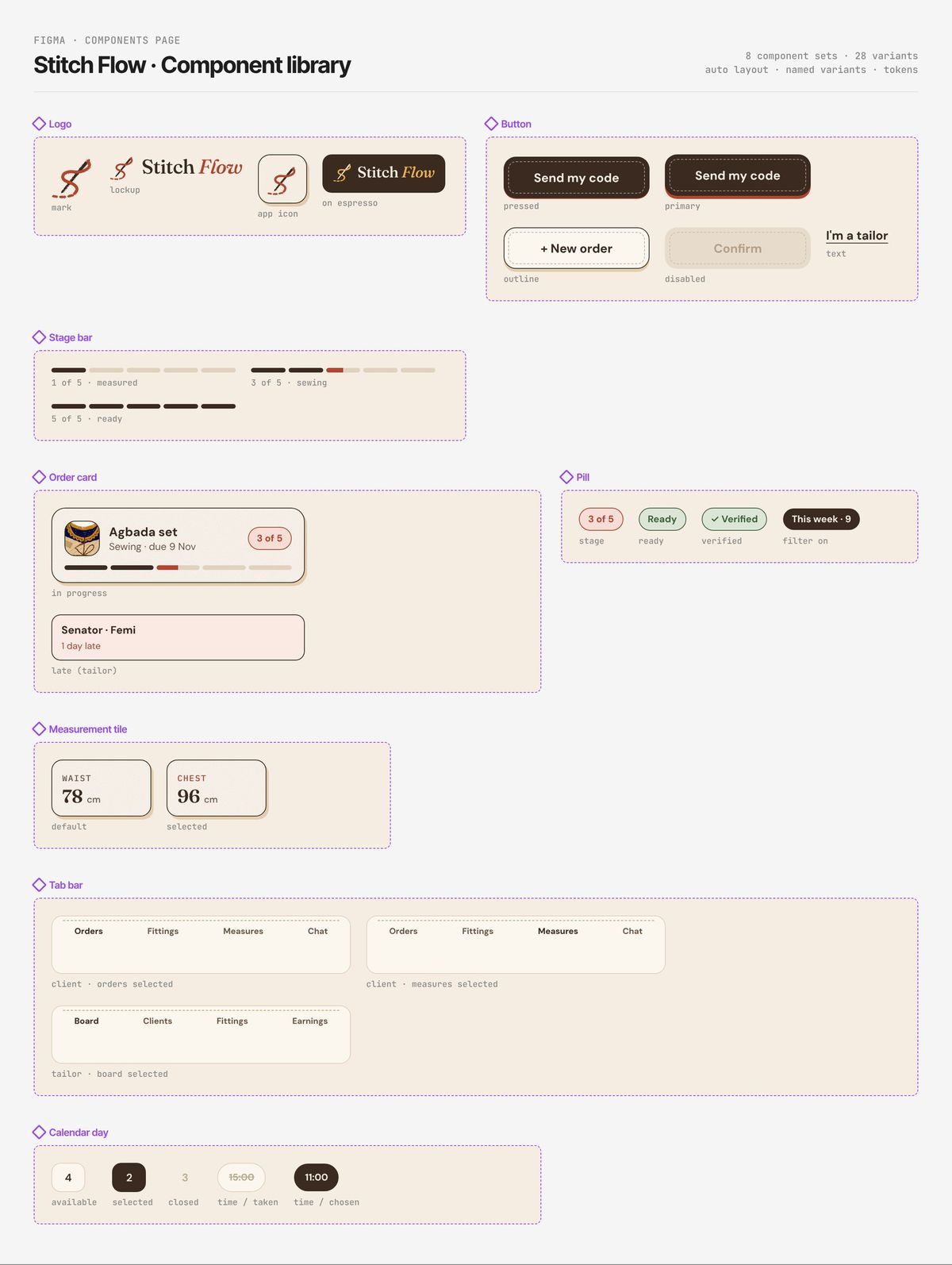
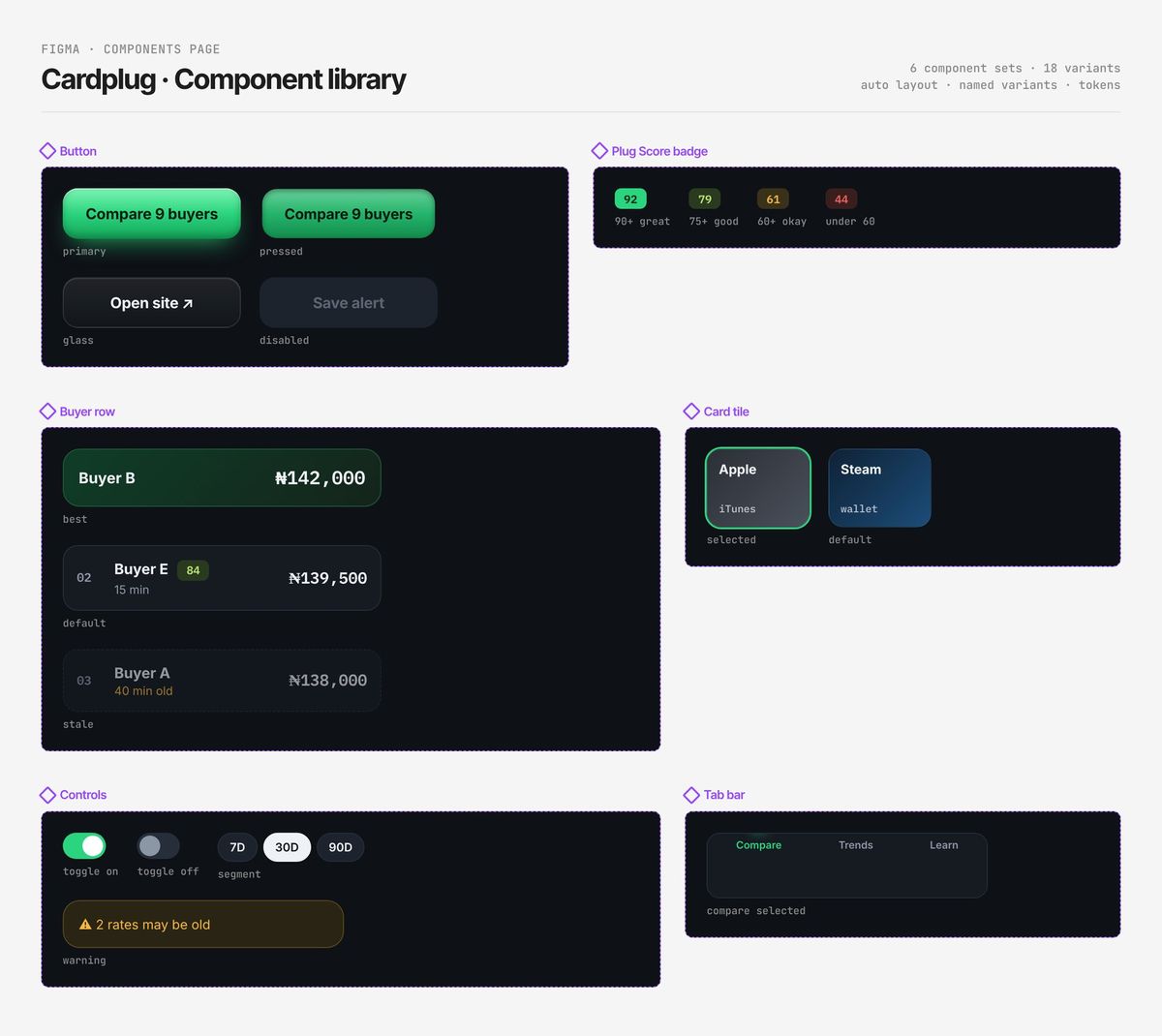
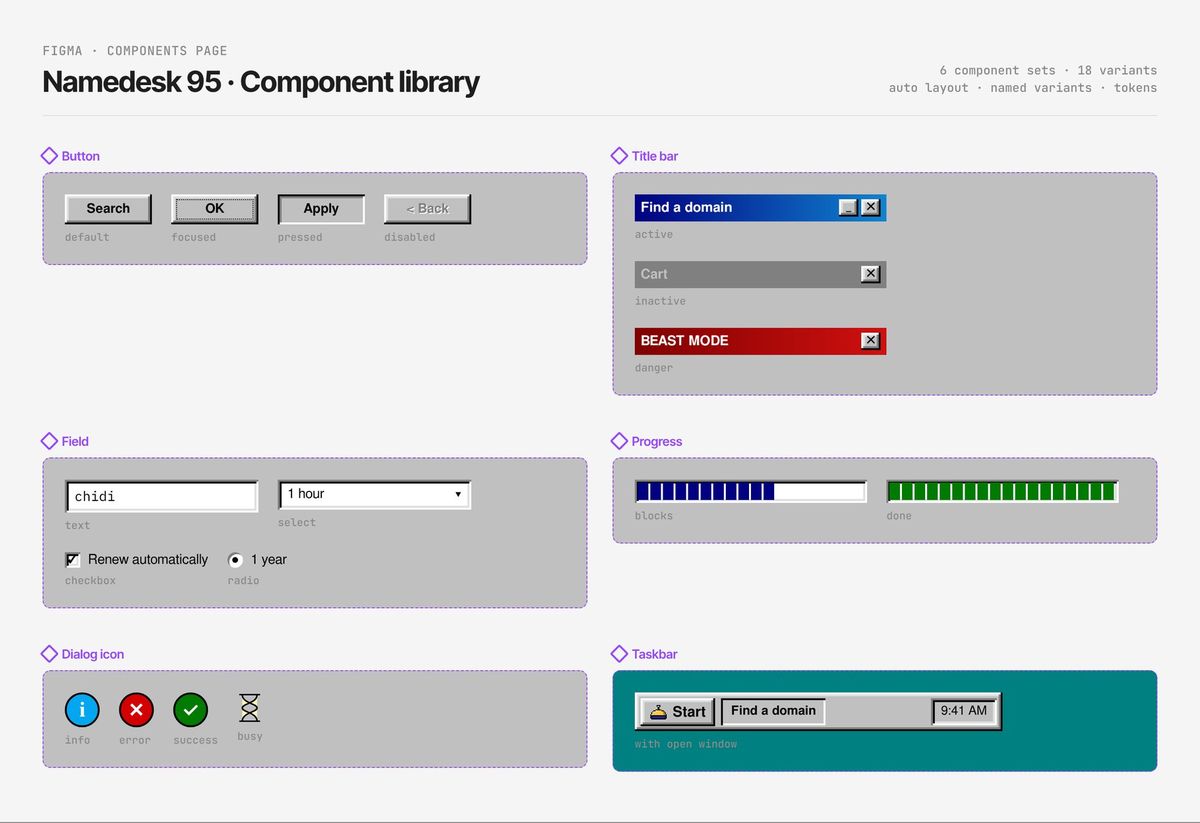
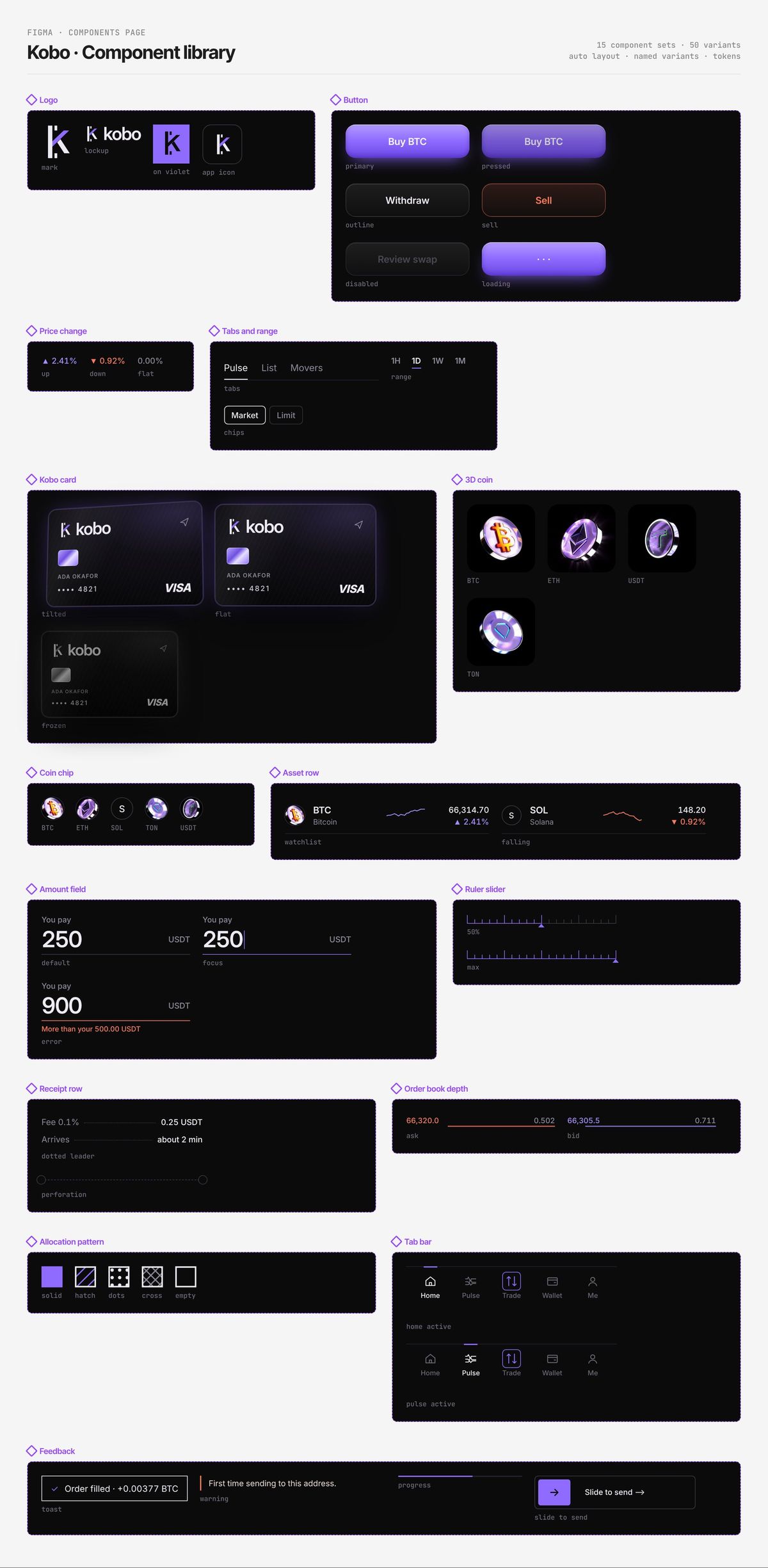
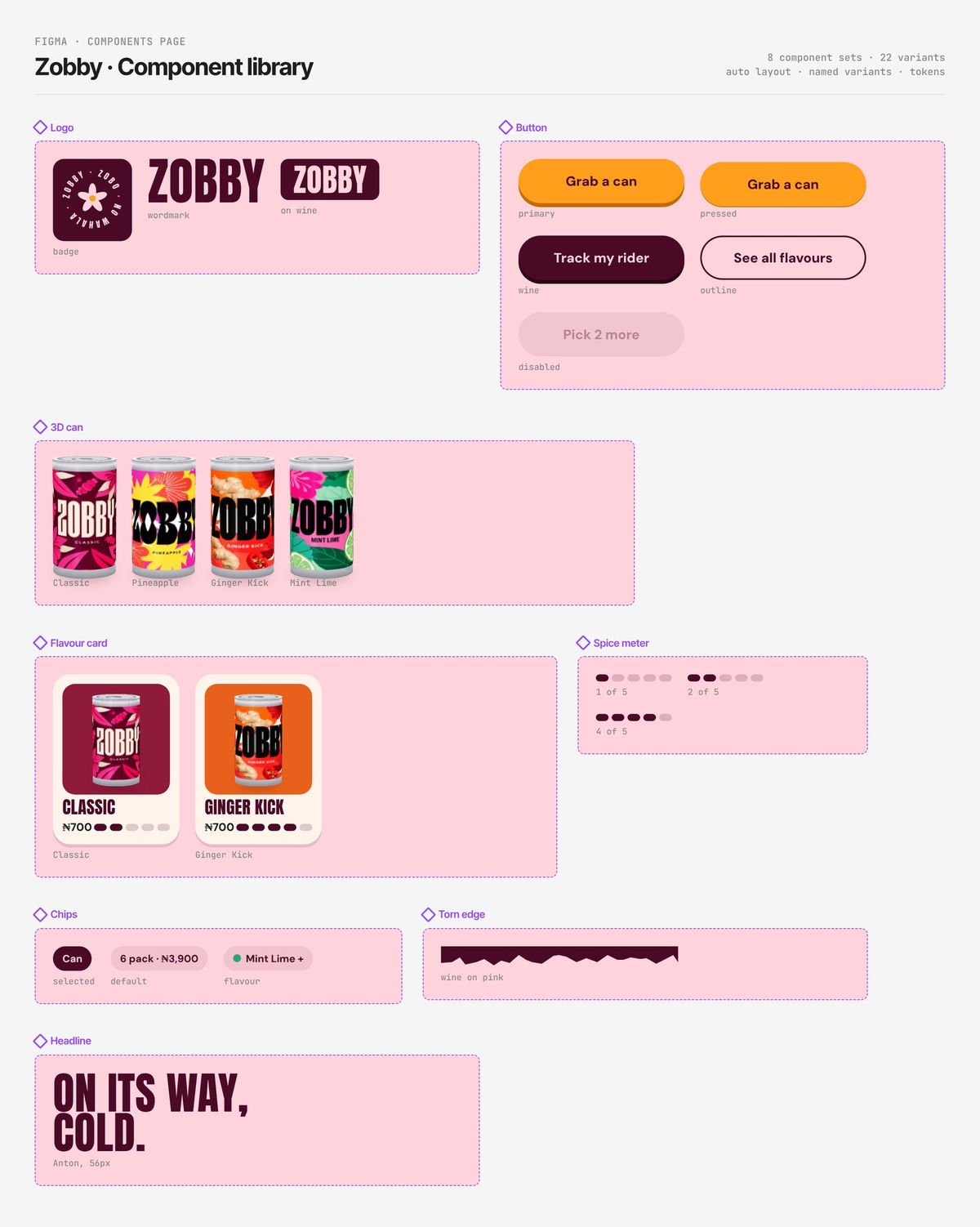
Component library
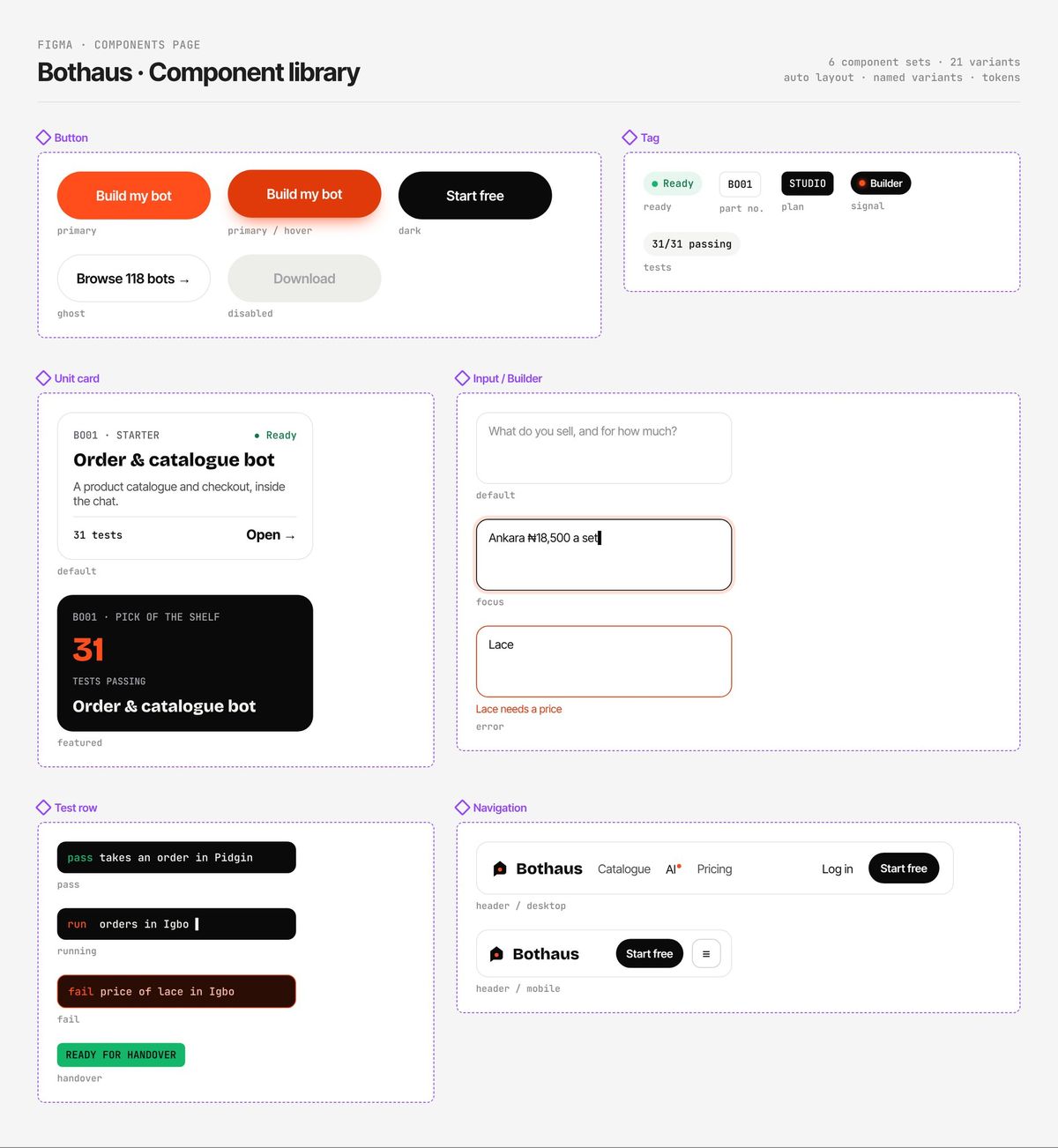
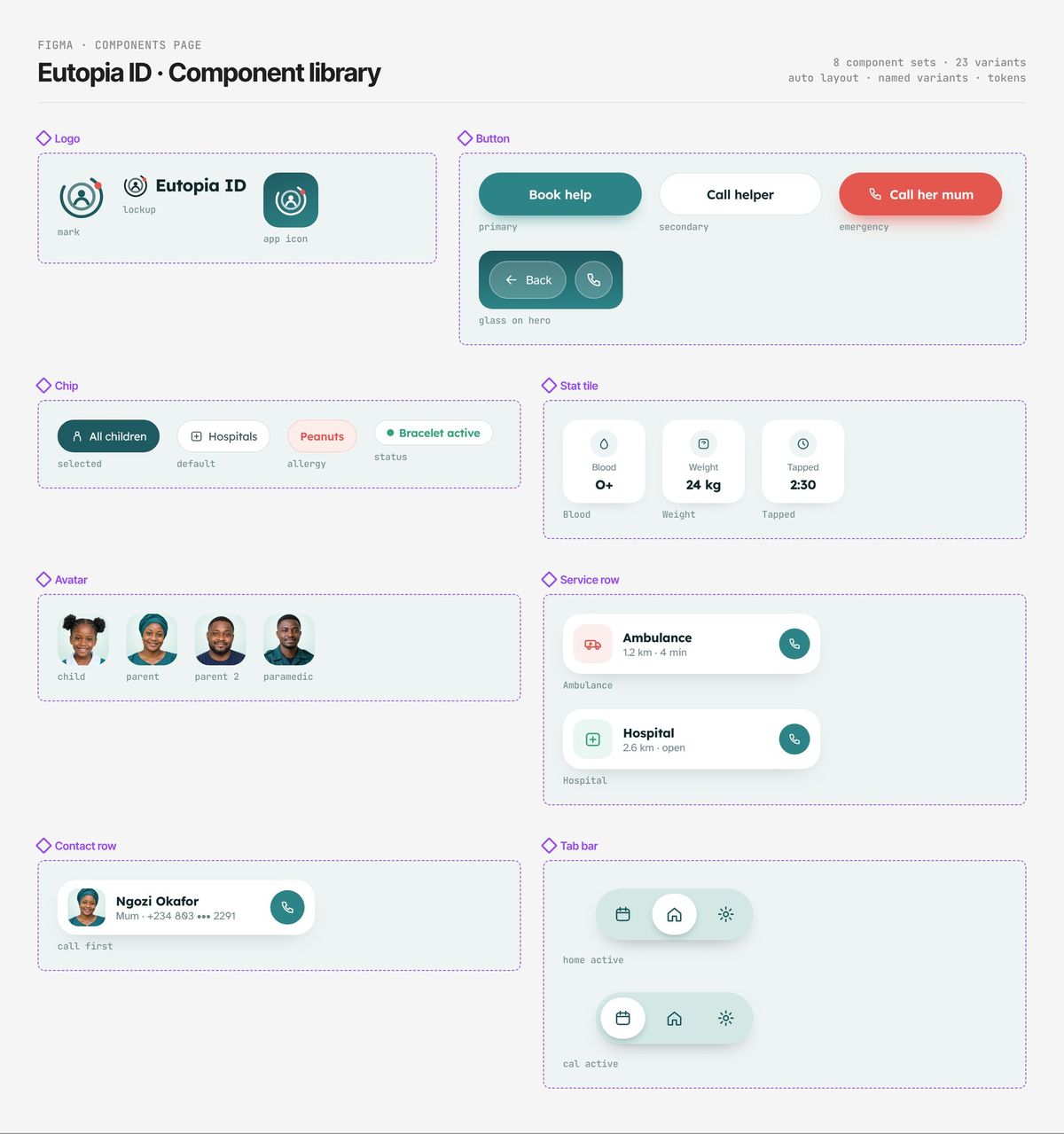
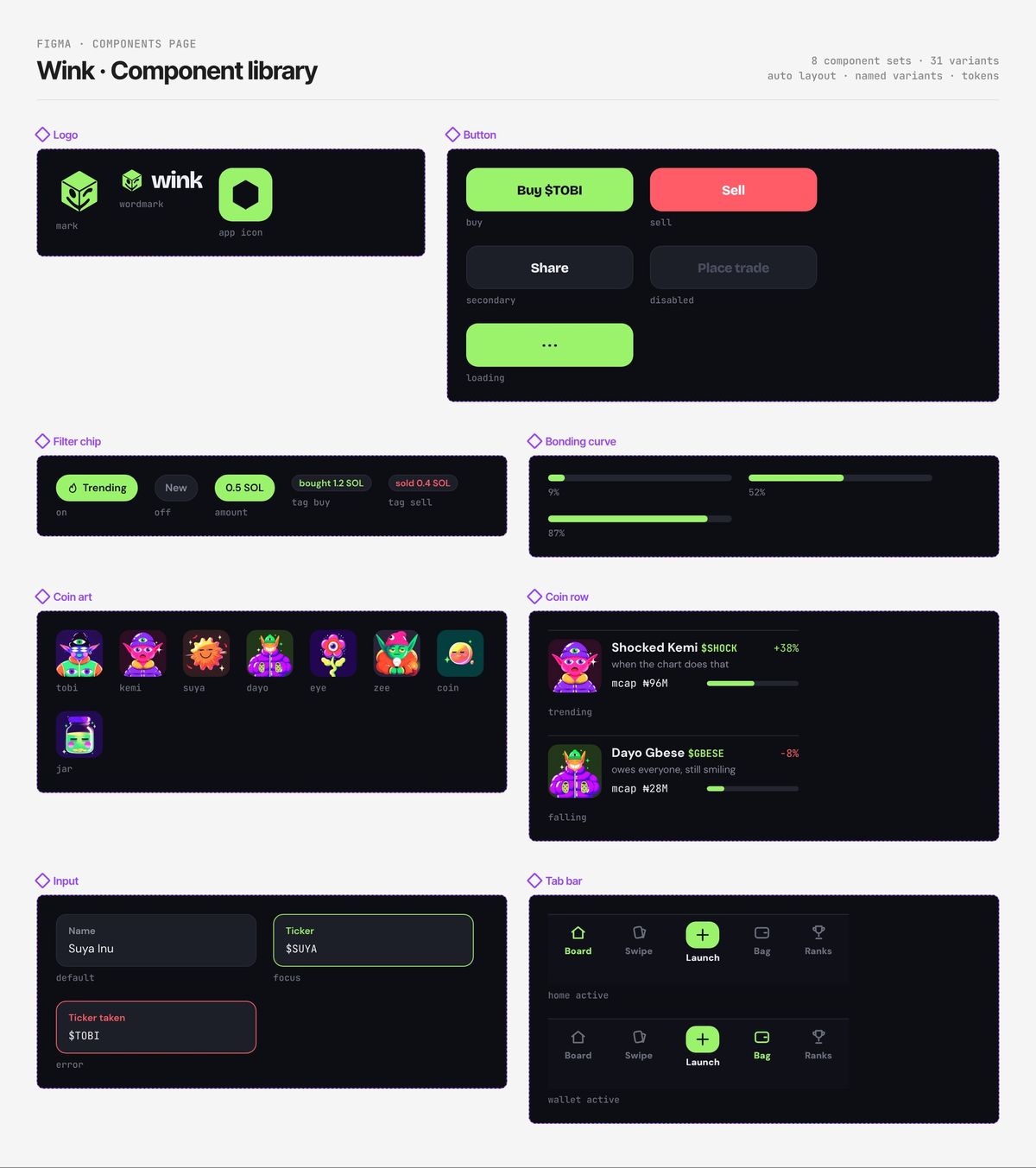
Figma components pageEvery reusable piece I designed for this product, with its variants: default, pressed, disabled, error and the rest. Built with auto layout so a developer gets one source of truth. Tap to zoom.
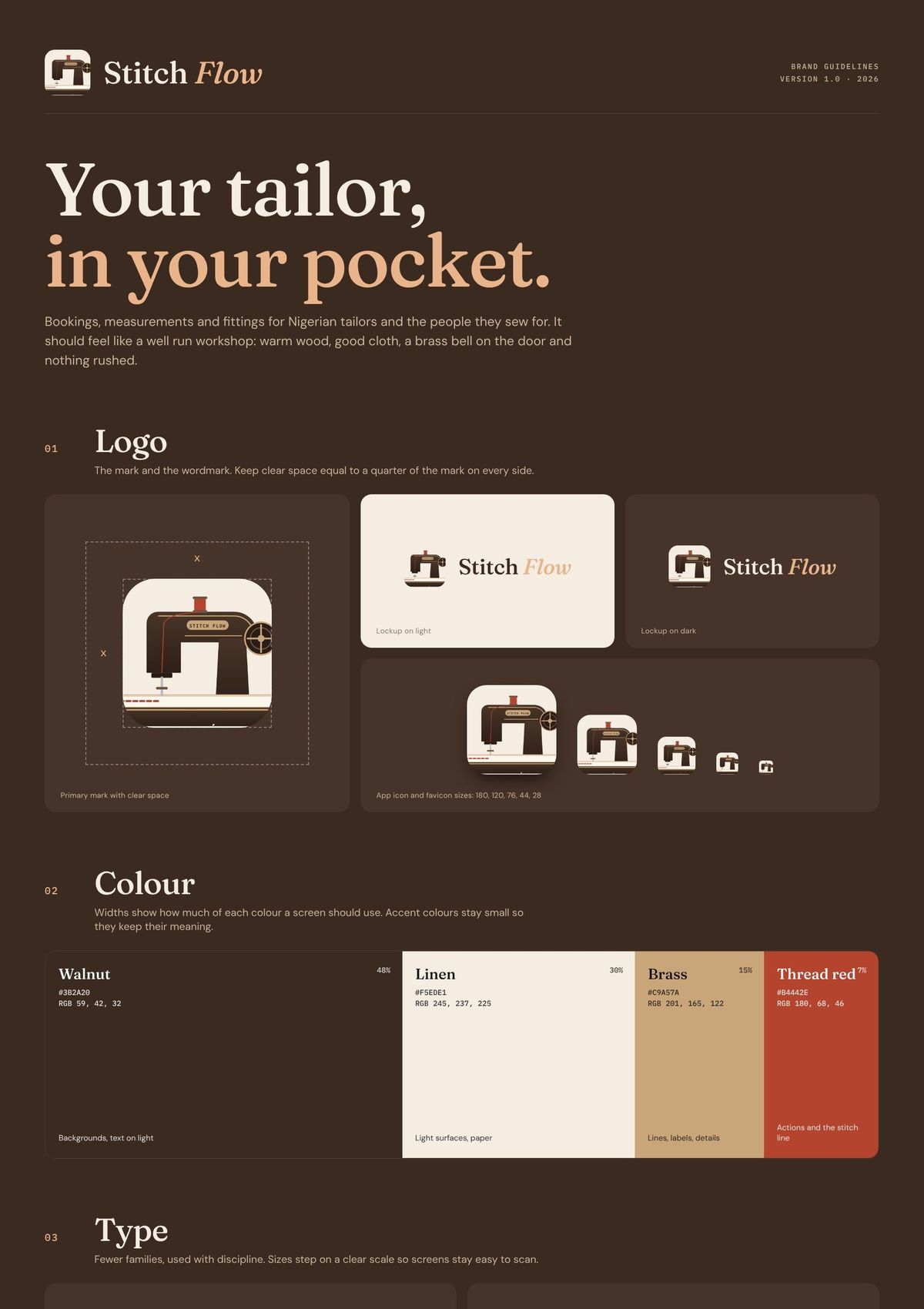
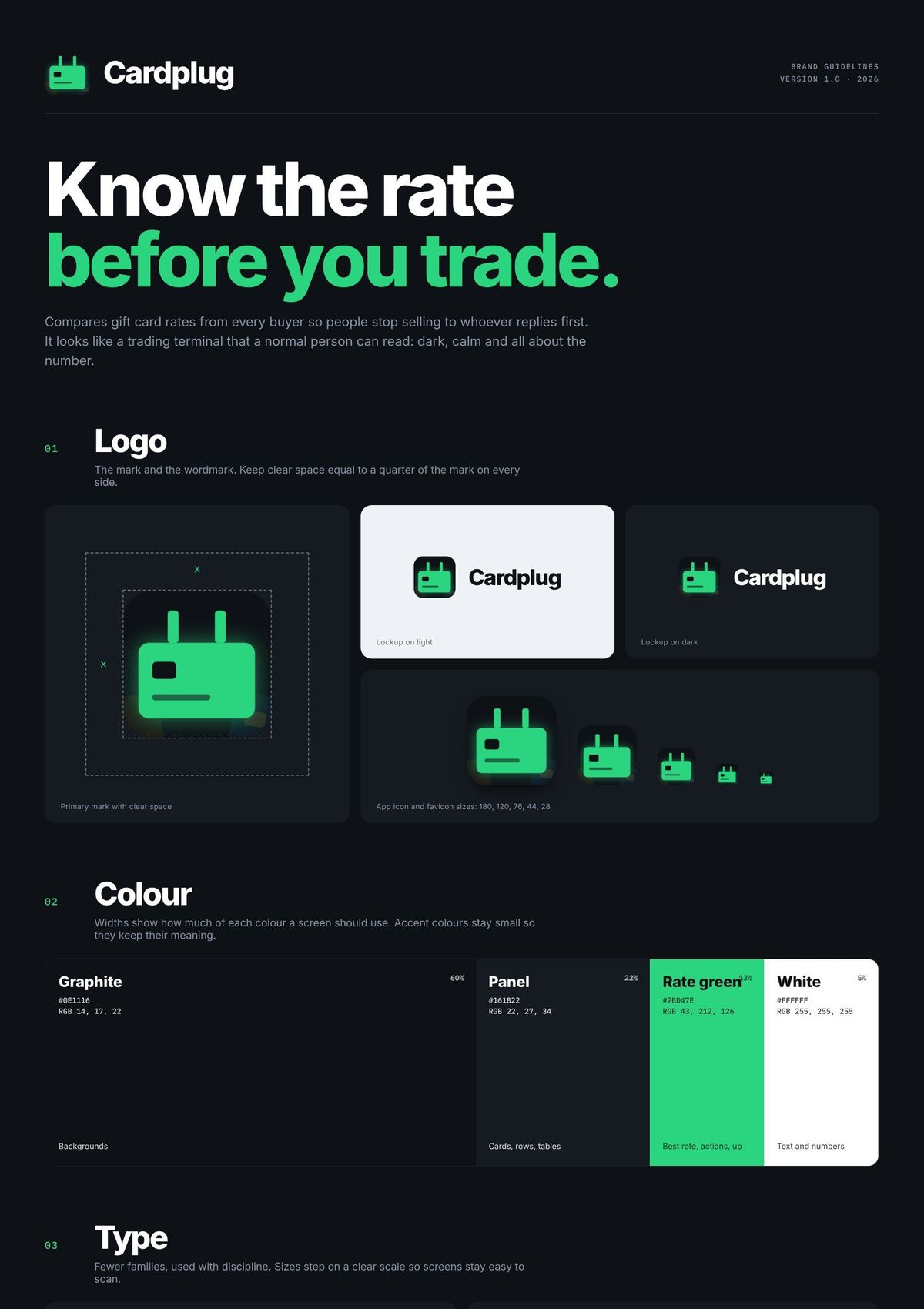
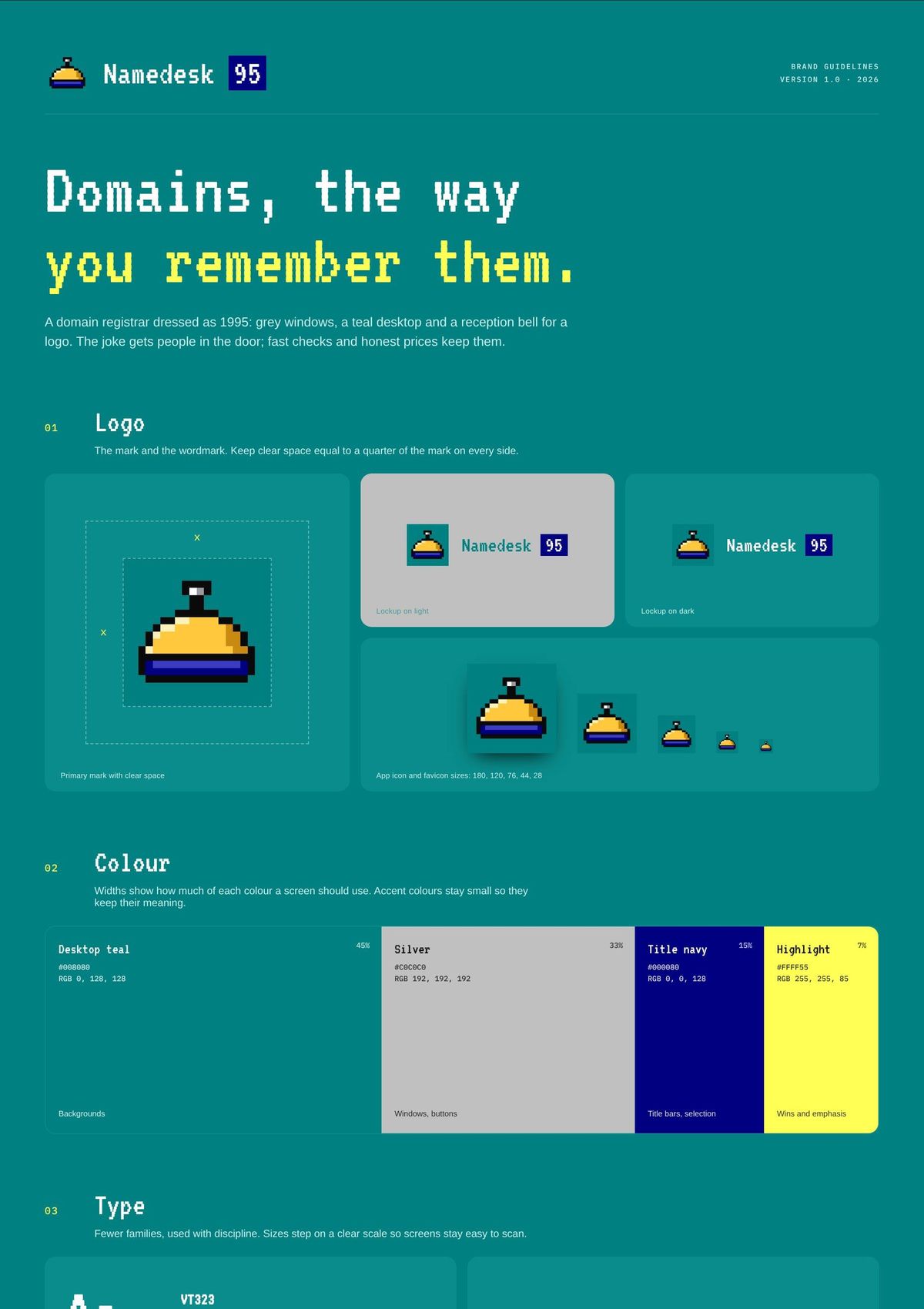
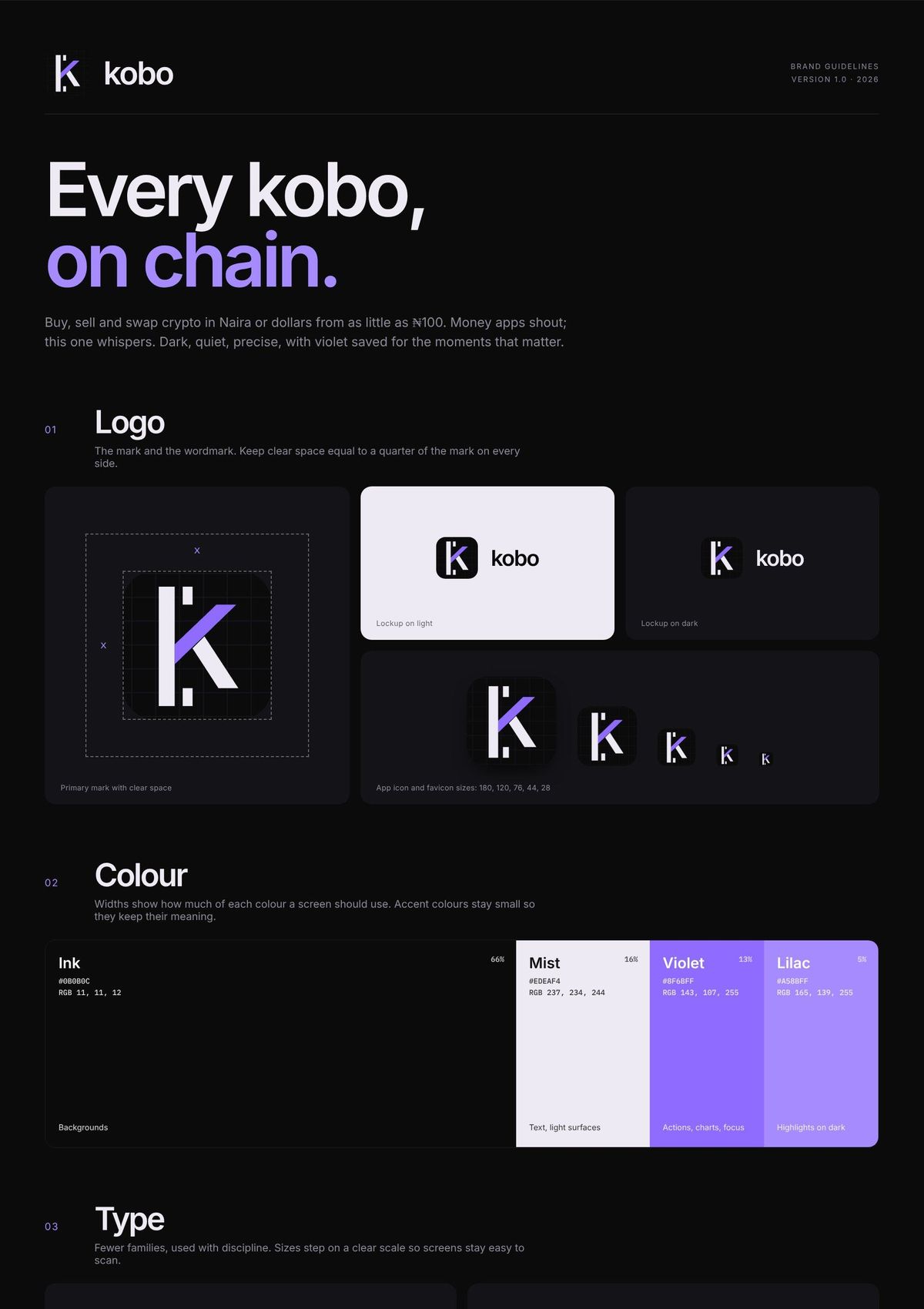
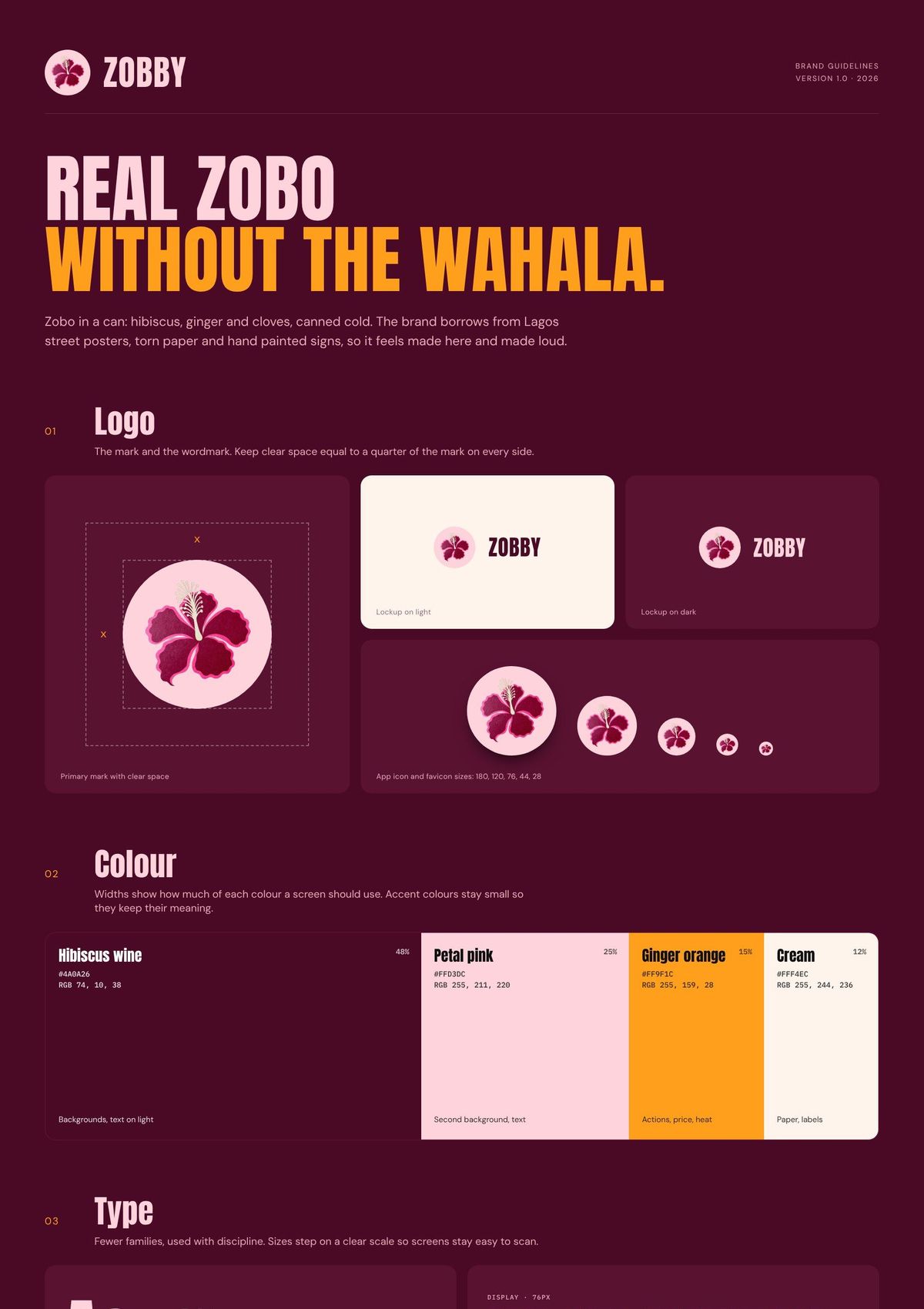
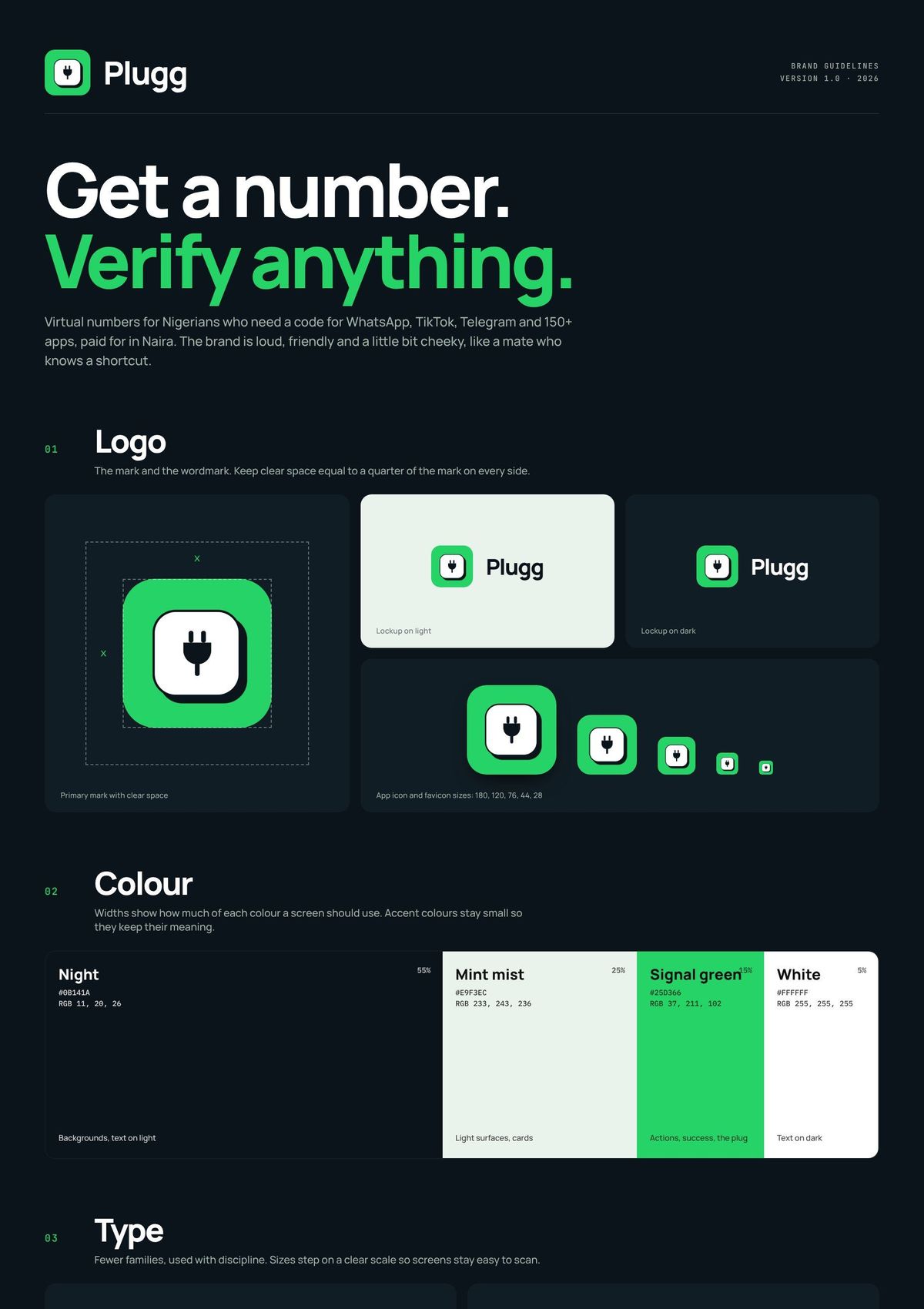
Brand guidelines
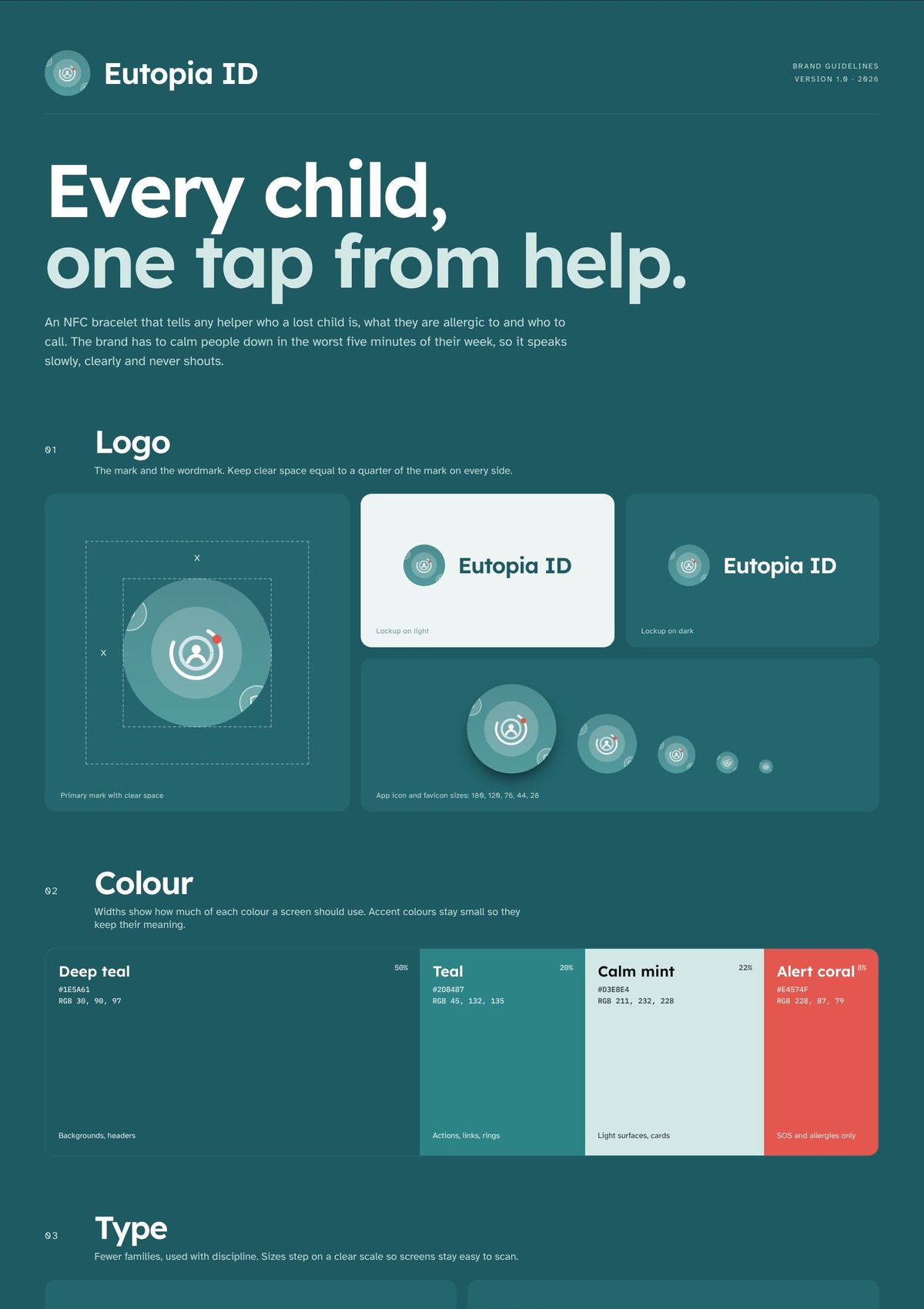
Logo, colour, type, voiceThe rules that keep Plugg looking and sounding like itself: logo and clear space, colour with proportions, type scale, voice, misuse and how it carries into ads and the product. Tap to read the full board.
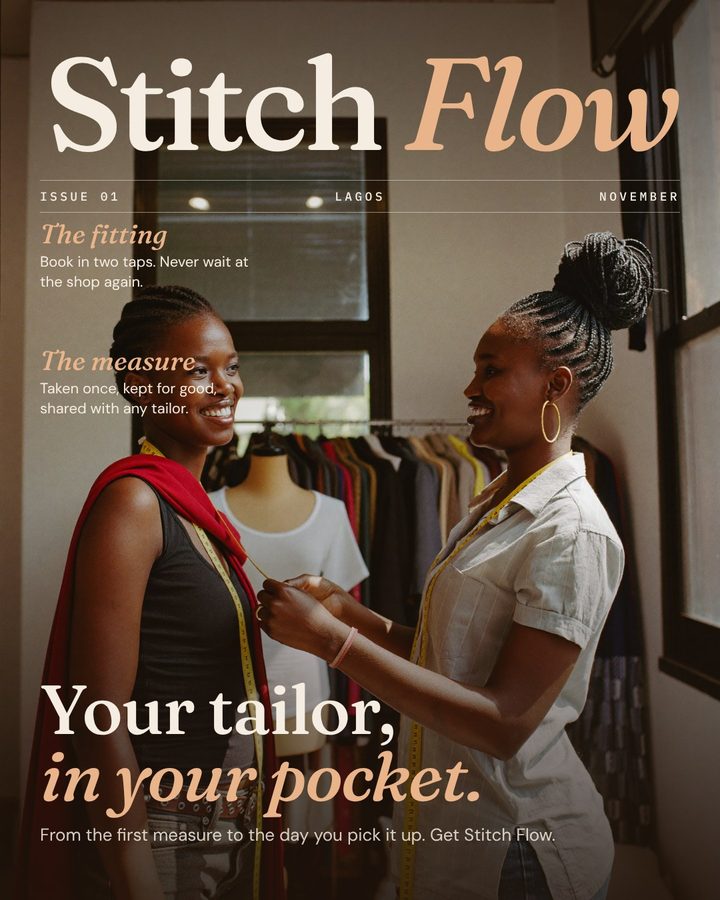
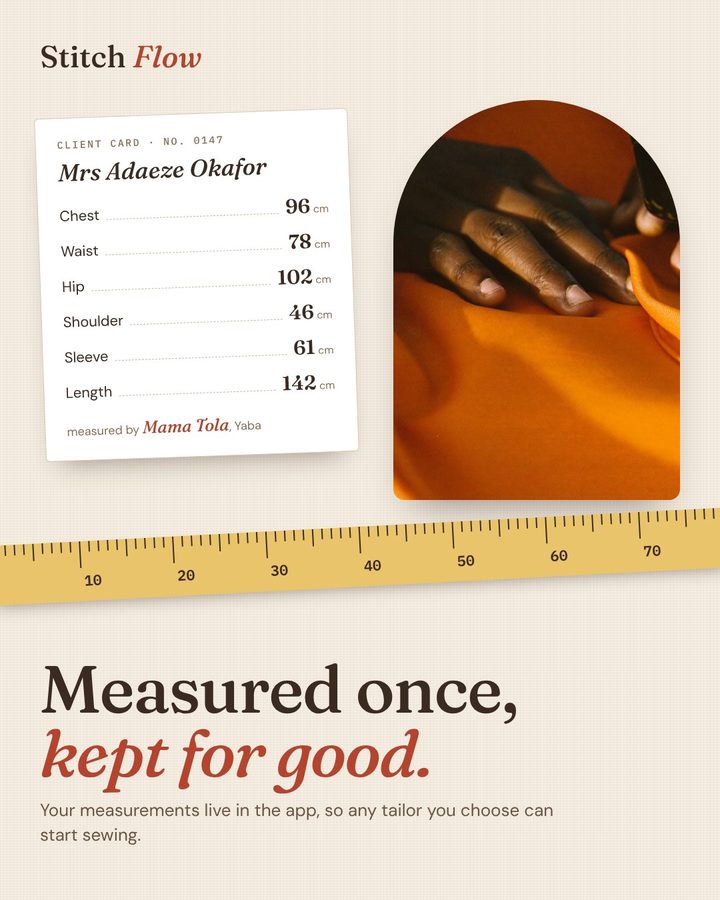
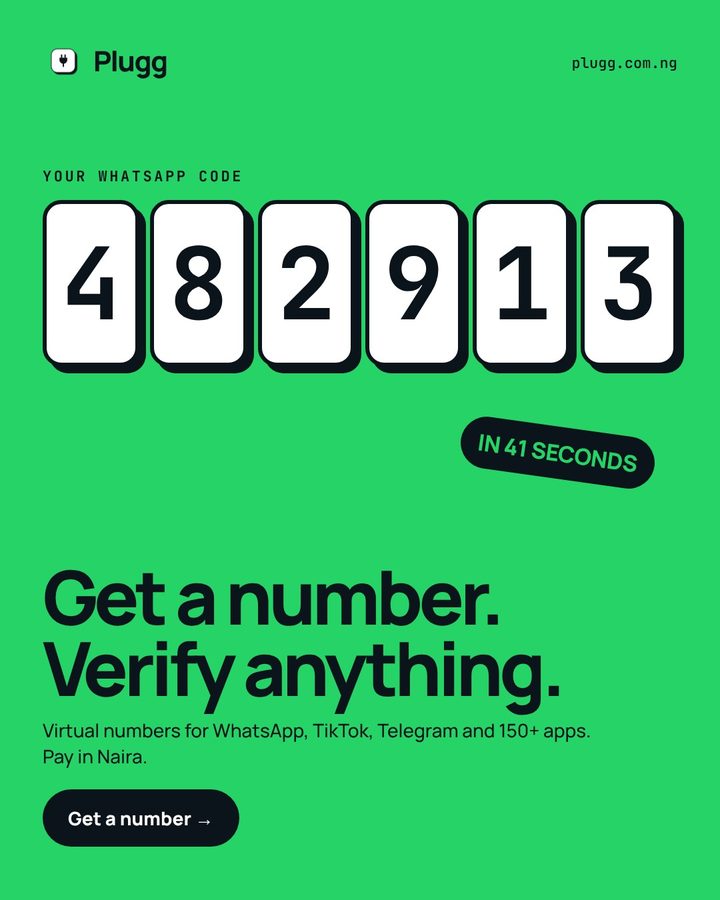
Launch ads
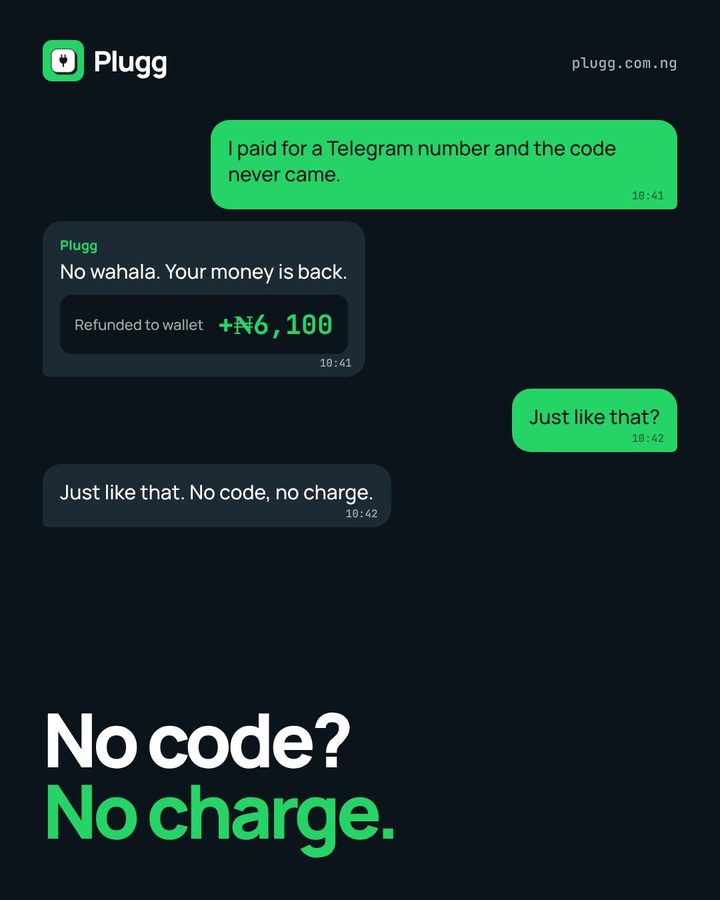
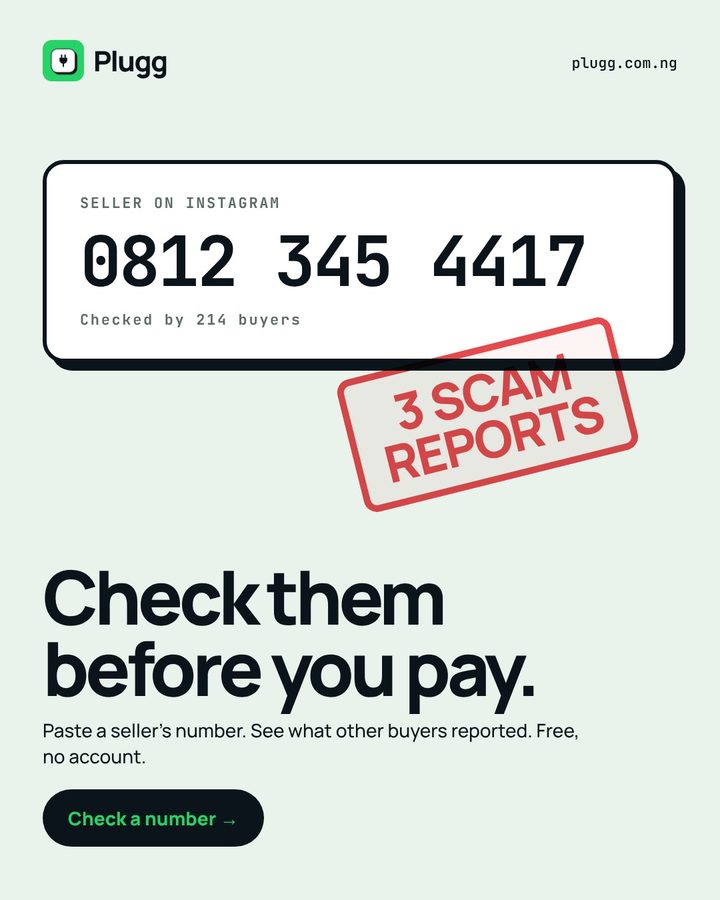
3 social adsThree ads in the brand's cheeky, chunky voice: a giant code, a refund that lands in the chat, and a red stamp on a scammer's number.
Motion and interaction
What moves, and why- Sheets slide up
Buying, signing up and topping up open over the list, so the shop never disappears behind you.
- Countdown bar
The number's time left drains as a bar beside the clock, so waiting has a visible end.
- Code boxes fill
Six empty boxes wait for the SMS and fill when it lands. You know exactly what you are waiting for.
- One tap copy
Number and code each get a Copy button with feedback, because one wrong digit sends the code elsewhere.
On desktop
Same system, wider grid